
Adobe Just Dropped a Game-Changer (And It’s Free for 12 Months)
As developers, designers, and creators, we are constantly fighting friction. Whether you are building a landing page, mocking up a UI, or just prepping assets for a commit, the "image loop" is a notorious productivity killer.
You know the cycle: Download image -> Open heavy desktop software Import -> Edit -> Export -> Re-upload.
Adobe recently dropped a new Photoshop Web Extension that aims to kill that context switching. It brings the heavy lifting of Photoshop’s AI features directly into the browser.
Here is a look at what it does, why it matters for your stack, and how to snag a free license before the offer expires.
The Offer: 12 Months of Access (Zero Cost)
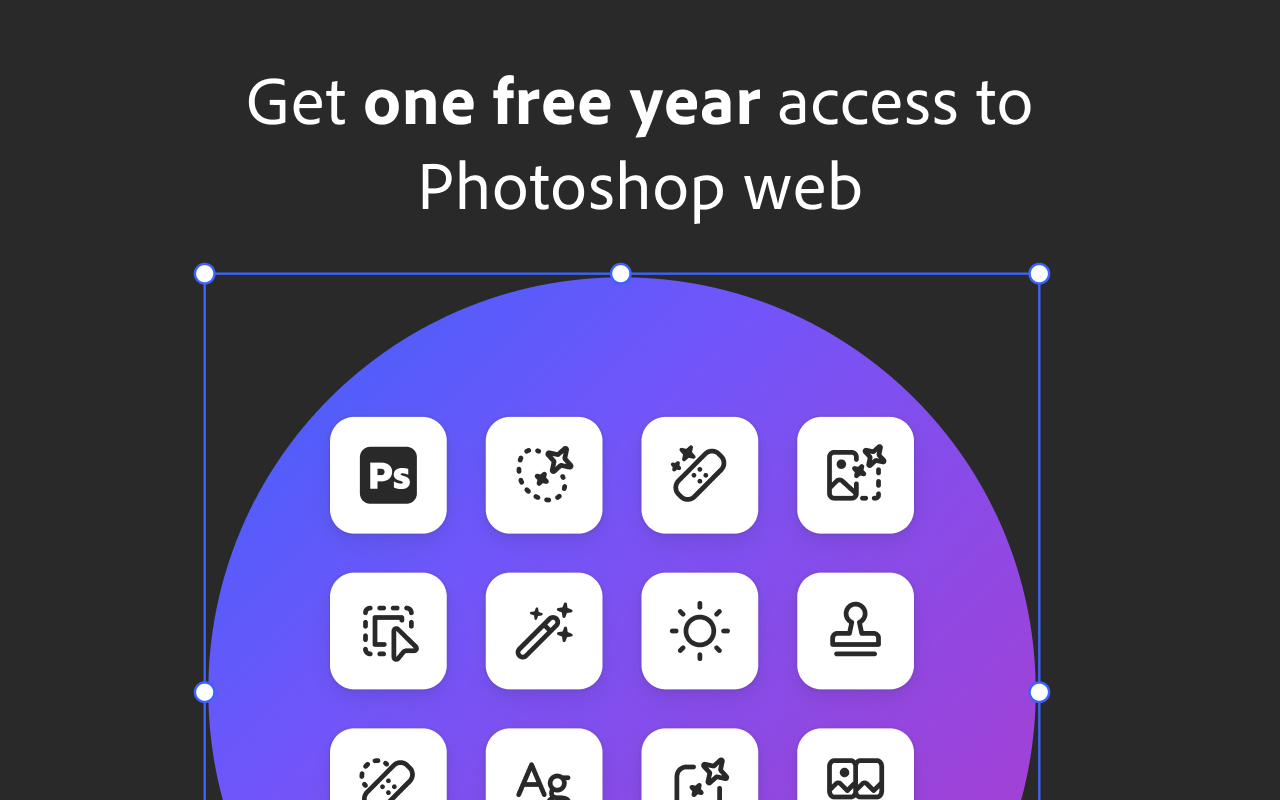
Before diving into the features, here is the immediate value proposition. Adobe is offering 12 months of Photoshop Web access for free.
Note: This offer is valid until December 8, 2025. It’s a low-risk way to integrate professional editing into your browser workflow without adding a subscription cost for the next year.
Why This Matters: Eliminating "The Loop"
The biggest selling point here isn't just the tools; it's the latency reduction.
Usually, if you need to remove a background or fix color grading, you have to leave your browser environment. This extension allows you to:
- Right-click an image directly on a webpage.
- Edit it instantly via the extension overlay.
- Export it ready for production.
I can browse anywebsite it will show PS logo on each image to directly edit in Photoshop web.

No installation of gigabytes of software, no waiting for the Creative Cloud daemon to load, and no friction.
Key Technical Features
Here is a breakdown of the actual utilities included in the extension:
1. Instant Asset Collection
Instead of cluttering your ~/Downloads folder with random JPEGs, the extension lets you "collect" images.
- Use case: Building mood boards, saving UI/UX references, or gathering assets for a frontend build.
- Mechanism: Hover over an image and tap the Photoshop badge to cache it to your collection.
2. Native AI Background Removal
Background removal usually requires either a paid API or opening desktop Photoshop. This extension runs Adobe's segmentation algorithms in the browser.
- Performance: It handles complex edges (hair, transparent objects) significantly better than generic online tools.
- Application: Perfect for e-commerce product shots or creating clean assets for hero headers.
3. In-Browser Color Grading
You get access to granular image manipulation tools without the heavy UI.
- Adjust Brightness, Contrast, and Saturation.
- Fix white balance and exposure on the fly before saving the asset to your local project.
4. Preset-Based Cropping
For social media managers and marketers, aspect ratios are a headache. The extension includes pre-configured pixel dimensions for:
- Instagram (Stories & Posts)
- YouTube Thumbnails
- Facebook Covers
5. Quick Export
Once edited, the asset is ready for download. It streamlines the pipeline from Inspiration -> Production.
Who Is This For?
While obviously useful for Graphic Designers, this is actually a massive quality-of-life upgrade for:
- Frontend Developers: Quickly mocking up assets without waiting on the design team.
- Content Creators: Generating thumbnails and social assets in seconds.
- Marketers: Creating ad variations on the fly.
The Verdict
Adobe has stated this is just the beginning for the web extension, with plans to introduce deeper automation and more complex AI tools soon.
If you are looking to speed up your asset workflow and stop tab-switching between your browser and your editor, this is worth an install—especially while the 1-year free tier is active.
Terms & Conditions: Your use of this application is governed by the Adobe General Terms of Use (http://www.adobe.com/go/terms_en) and the Adobe Privacy Policy (http://www.adobe.com/go/privacy_policy_en) and any successor versions thereto.