Claude Code for free with Ollama using Anthropic API compatibility
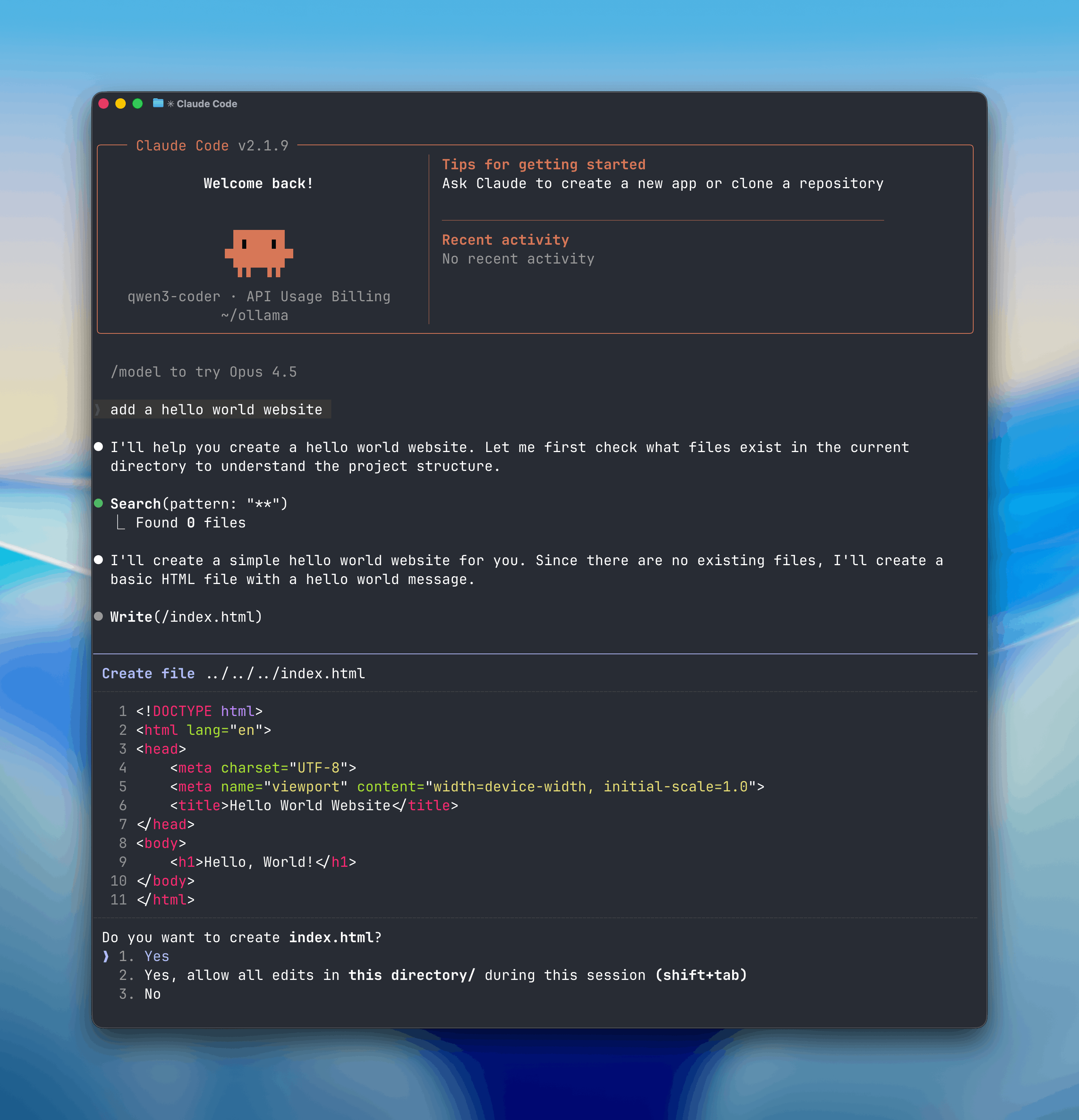
Have you ever wanted to use those super-smart agentic coding tools like Claude Code, but felt a bit uneasy about sending all your private source code to the cloud? Or maybe you’re just tired of those monthly API bills stacking up? 😱
Here is the free way to use Claude Code using Ollama.
Well, the wait is over! Ollama just dropped a massive update that changes the game. They’ve added full Anthropic API compatibility, which means you can now run Claude Code using your own local models! 🥳
What exactly is this "Claude Code" magic?
If you missed the news, Claude Code is Anthropic’s new agentic tool that lives right in your terminal. It’s not just a chatbot; it can actually do things—like refactor your code, hunt down bugs, and manage your files.
With Ollama’s latest update, you can now swap out the expensive cloud-based Claude models and point this powerful tool to local open-source models like gpt-oss or qwen3-coder. 🗞️
Why you should care?
This is a huge win for privacy and your wallet. Here is why this integration is a total vibe:
- Total Privacy: Your code stays on your machine. No cloud, no leaks. 🔒
- Zero Costs: Use powerful local models for free without worrying about token counts or subscription tiers. 🥳
- Agentic Power: You get the full power of Claude Code—tool calling, system prompts, and multi-turn conversations—powered by Ollama.
- Flexibility: Want to use the cloud sometimes? Ollama also lets you connect to cloud-based models through their platform. 🚀
How to get it running?
Setting this up is actually surprisingly simple. If you have Ollama v0.14.0 or later, you’re halfway there.
- Install Claude Code: Run the simple install script provided by Anthropic.
macOS, Linux, WSL:
curl -fsSL https://claude.ai/install.sh | bash
Windows PowerShell:
irm https://claude.ai/install.ps1 | iex
Windows CMD:
curl -fsSL https://claude.ai/install.cmd -o install.cmd && install.cmd && del ins- Flip the Switch: You just need to tell Claude Code to look at your local Ollama server instead of Anthropic’s cloud.
- Set
ANTHROPIC_BASE_URLtohttp://localhost:11434 - Set
ANTHROPIC_AUTH_TOKENtoollama
- Set
- Run it: Just type
claude --model gpt-oss:20bin your terminal and watch the magic happen! 💻
Models in Ollama’s Cloud also work with Claude Code:
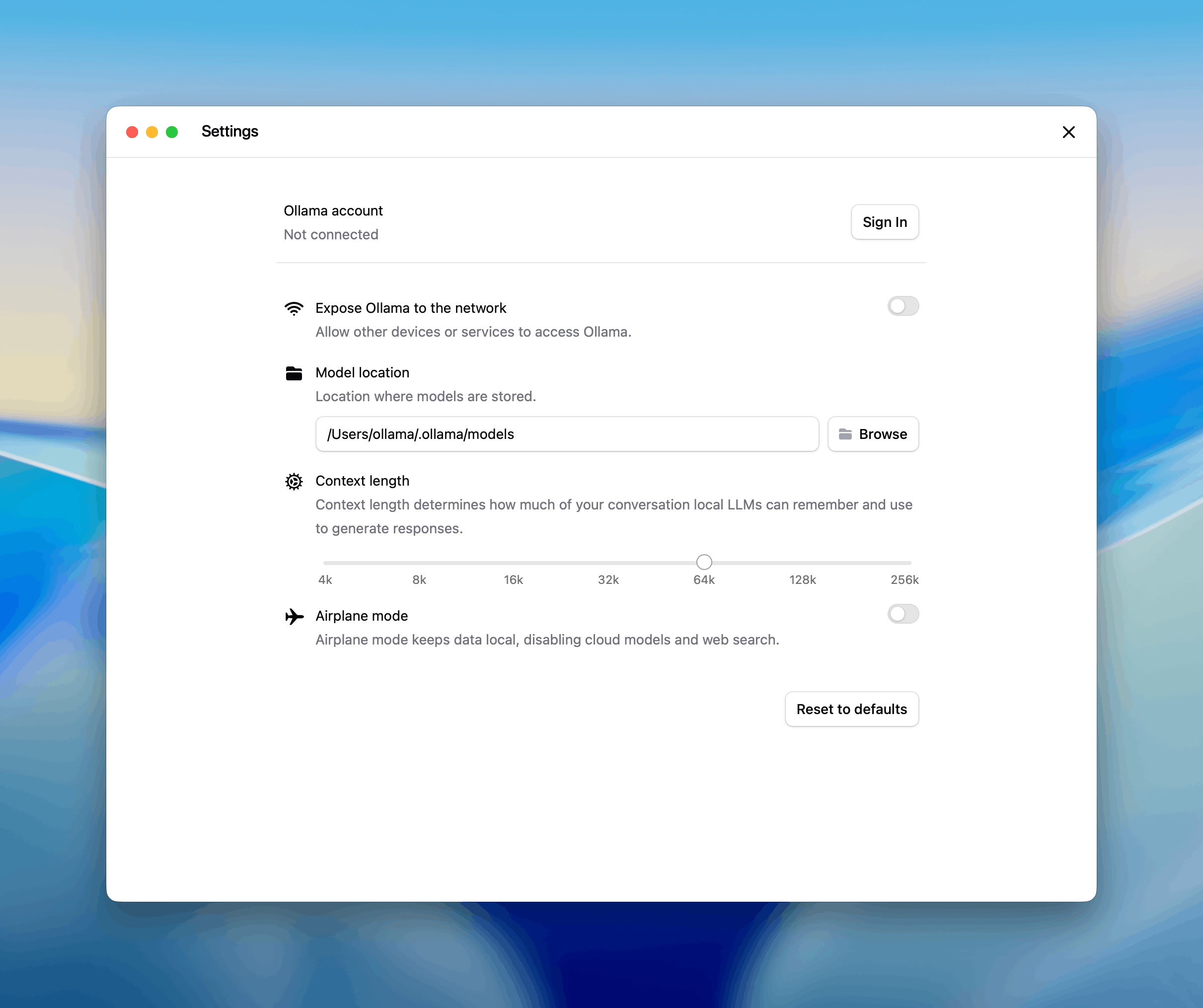
claude --model glm-4.7:cloudPro Tip: For the best experience, use a model with at least 32K context length so the AI can "remember" enough of your project to be helpful! 🥳
The Technical Wizardry
Behind the scenes, Ollama is now acting as a bridge. It "speaks" the Anthropic Messages API, so your existing apps and SDKs think they are talking to Claude, but they are actually talking to your GPU!
It supports all the cool features:
- Tool Calling: Let your local model interact with your terminal.
- Extended Thinking: Use models that can "pause and think" before they code.
- Vision: Yes, you can even pass images if the local model supports it! 🖼️
Using the Anthropic SDK
Existing applications using the Anthropic SDK can connect to Ollama by changing the base URL. See the Anthropic compatibility documentation for details.
Python
import anthropic

client = anthropic.Anthropic(
    base_url='http://localhost:11434',
    api_key='ollama',  # required but ignored
)

message = client.messages.create(
    model='qwen3-coder',
    messages=[
        {'role': 'user', 'content': 'Write a function to check if a number is prime'}
    ]
)
print(message.content[0].text)
JavaScript
import Anthropic from '@anthropic-ai/sdk'

const anthropic = new Anthropic({
  baseURL: 'http://localhost:11434',
  apiKey: 'ollama',
})

const message = await anthropic.messages.create({
  model: 'qwen3-coder',
  messages: [{ role: 'user', content: 'Write a function to check if a number is prime' }],
})

console.log(message.content[0].text)
Tool calling
Models can use tools to interact with external systems:
import anthropic

client = anthropic.Anthropic(
    base_url='http://localhost:11434',
    api_key='ollama',
)

message = client.messages.create(
    model='qwen3-coder',
    tools=[
        {
            'name': 'get_weather',
            'description': 'Get the current weather in a location',
            'input_schema': {
                'type': 'object',
                'properties': {
                    'location': {
                        'type': 'string',
                        'description': 'The city and state, e.g. San Francisco, CA'
                    }
                },
                'required': ['location']
            }
        }
    ],
    messages=[{'role': 'user', 'content': "What's the weather in San Francisco?"}]
)

for block in message.content:
    if block.type == 'tool_use':
        print(f'Tool: {block.name}')
        print(f'Input: {block.input}')
Supported features
- Messages and multi-turn conversations
- Streaming
- System prompts
- Tool calling / function calling
- Extended thinking
- Vision (image input)
For a complete list of supported features, see the Anthropic compatibility documentation.
Ready to ditch the cloud?
If you’re a developer who loves the terminal and values your privacy, this is the update you’ve been waiting for. It’s the perfect blend of high-end agentic tools and the freedom of open-source. 🚀
Check out the full setup guide on the Ollama Blog and start building locally!
What’s the first thing you’re going to ask your local Claude Code agent to do? Let me know in the comments! 🥳
Wait..
Staying on top of these local AI breakthroughs takes a lot of testing (and a very hot GPU!). If you found this "simplified" guide helpful, share it with your dev team. Let's make local AI the standard! 🗞️
Subscribe to our newsletter Get the latest local AI gems and dev tools delivered right to your inbox. 🗞️