Free and Open Source Tool for Screen Recording and Sharing Videos
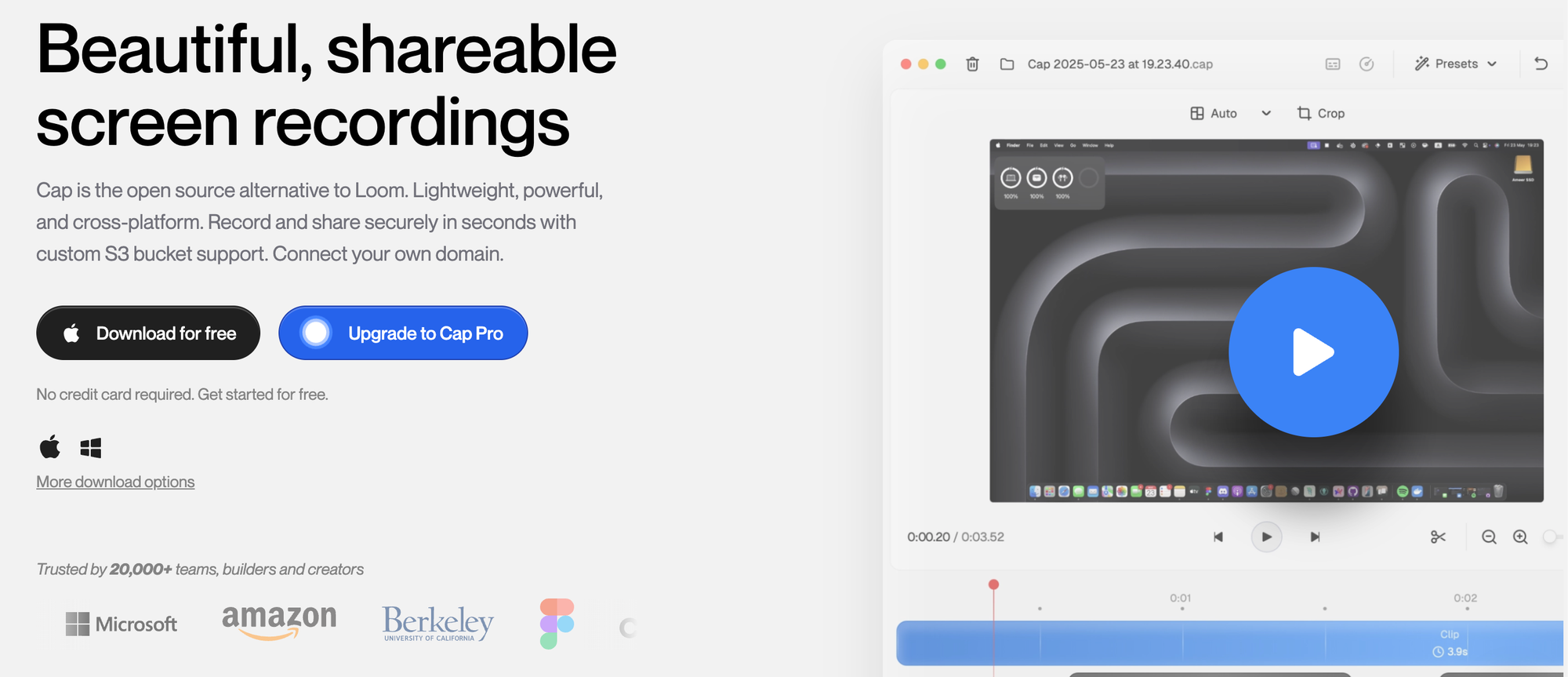
Recording your screen used to mean picking between clunky tools or paying for subscriptions just to make a quick video. Cap changes that by offering an open source alternative to popular services like Loom that is focused on speed, simplicity, quality, and privacy. GitHub
Free Screen recorder tool for both Mac and Windows.
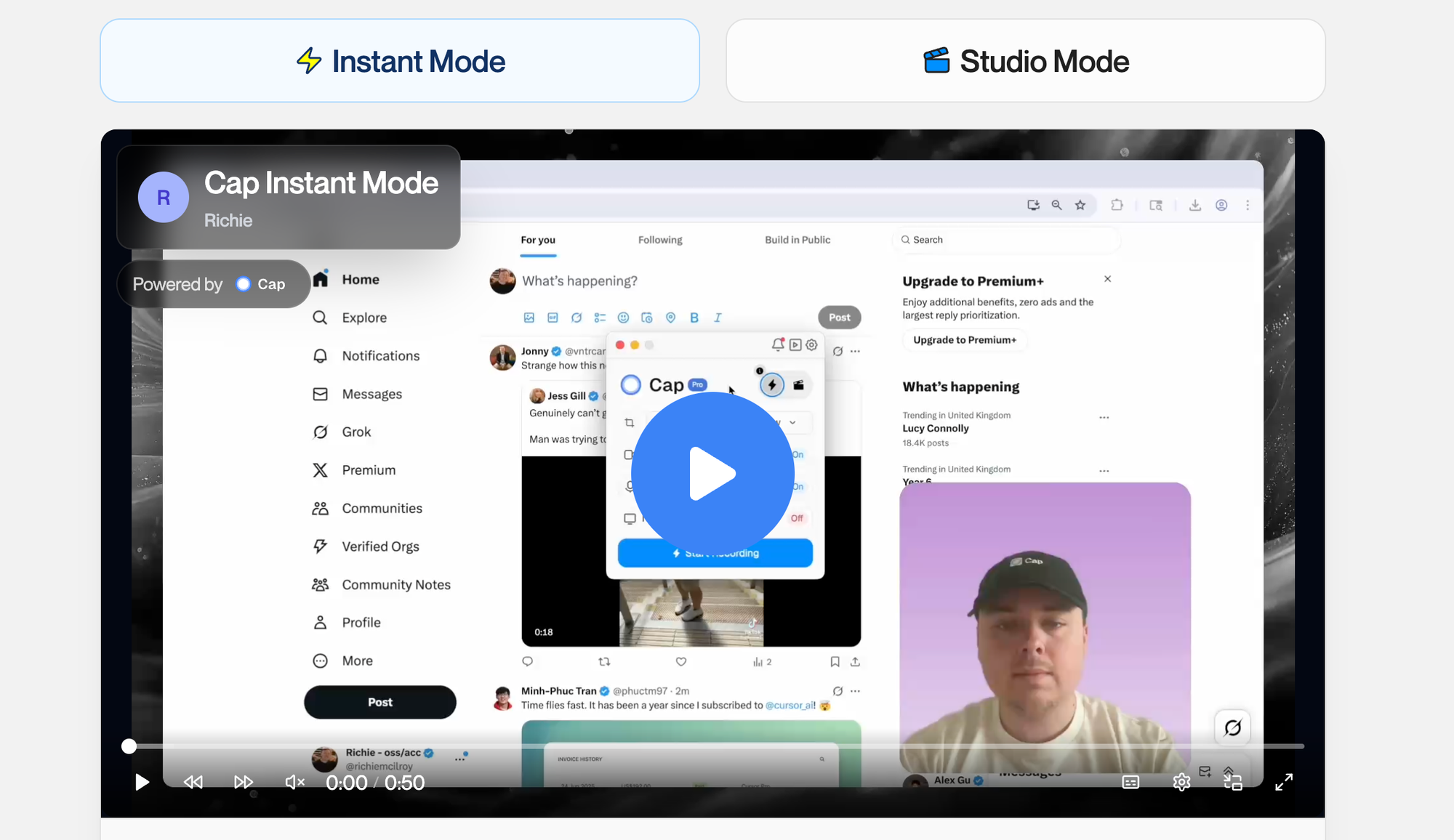
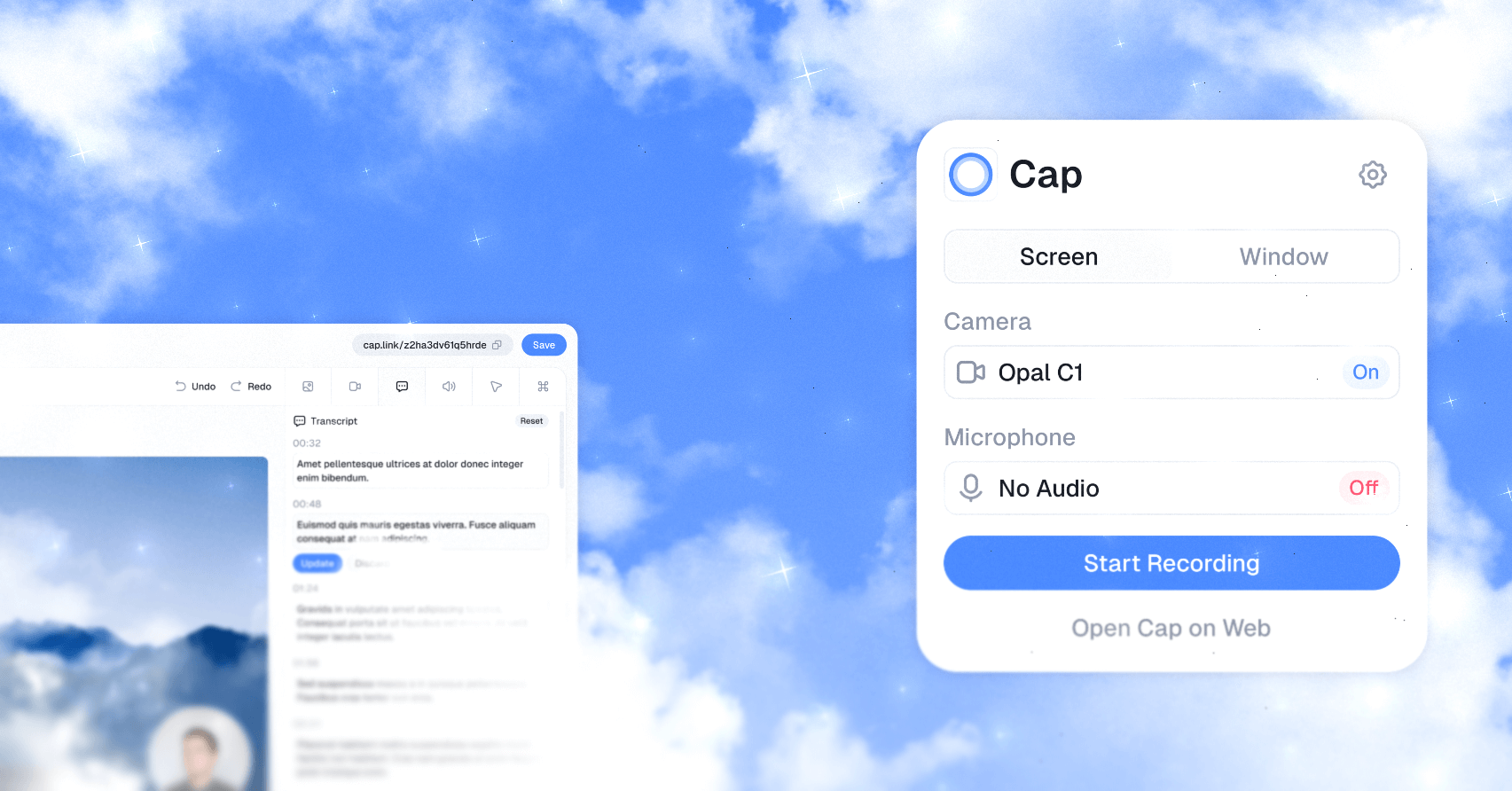
Cap lets you record what is happening on your screen, capture your webcam and mic, edit what you just recorded, and share it in seconds with a link. Whether you are making a tutorial, giving feedback, or sending a quick demo, it cuts out friction and keeps the process smooth.
What Cap Actually Is
Cap is a video messaging and screen recording tool that is built with a modern tech stack including Rust, React (Next.js), TypeScript, and Tauri for the desktop experience. It aims to feel lightweight and polished while giving you full control over your recordings.
Like Loom, you can start recording with a click, stop when you are done, and immediately get a shareable link. Unlike closed services, Cap is open source and lets you choose where your videos live, including self-hosting options.
Cross Platform and Flexible
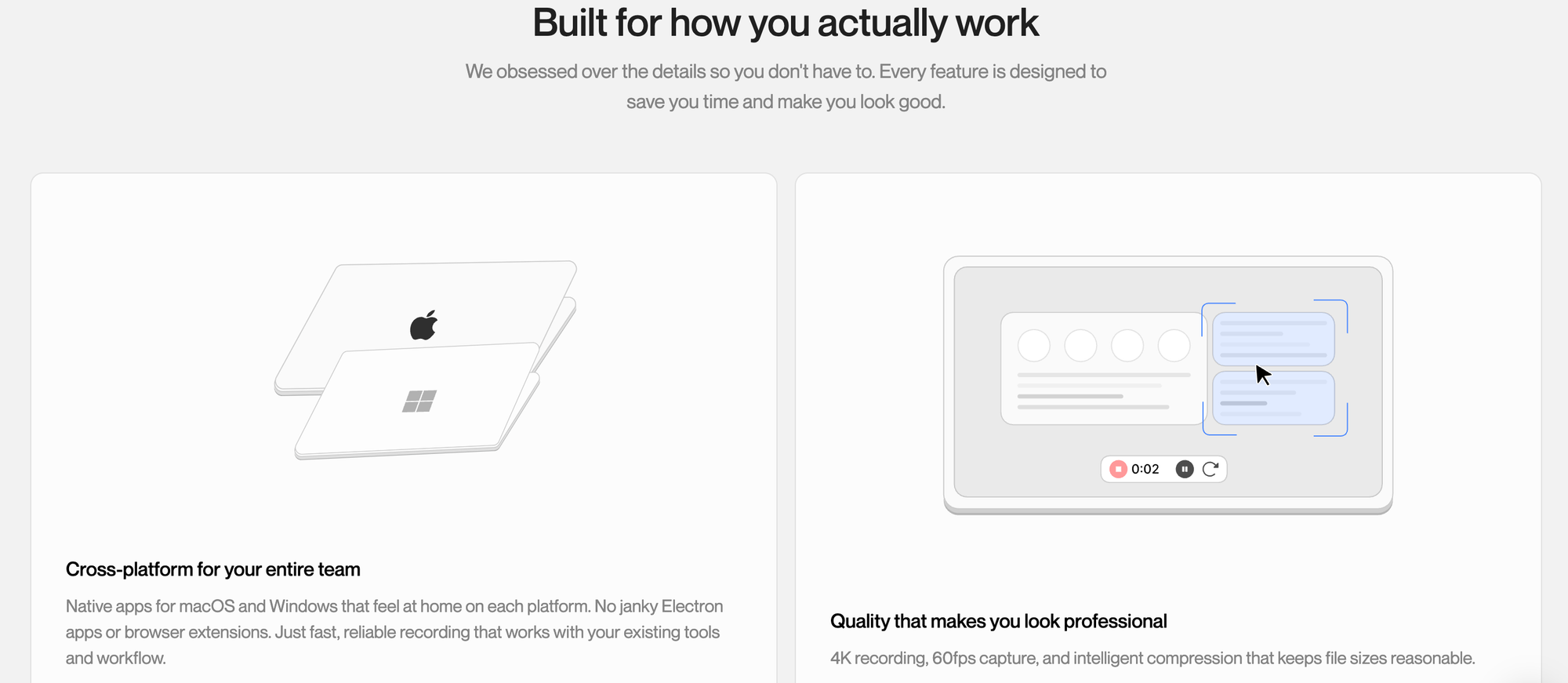
Cap works across platforms with native apps for macOS, Windows, and web support. That makes it easy to record from a laptop or desktop without relying on clunky browser extensions or slow processes.
One nice thing about Cap is that you can connect your own storage, including custom S3 buckets, so your recordings stay in places you control rather than being locked behind someone else’s platform. cap.so
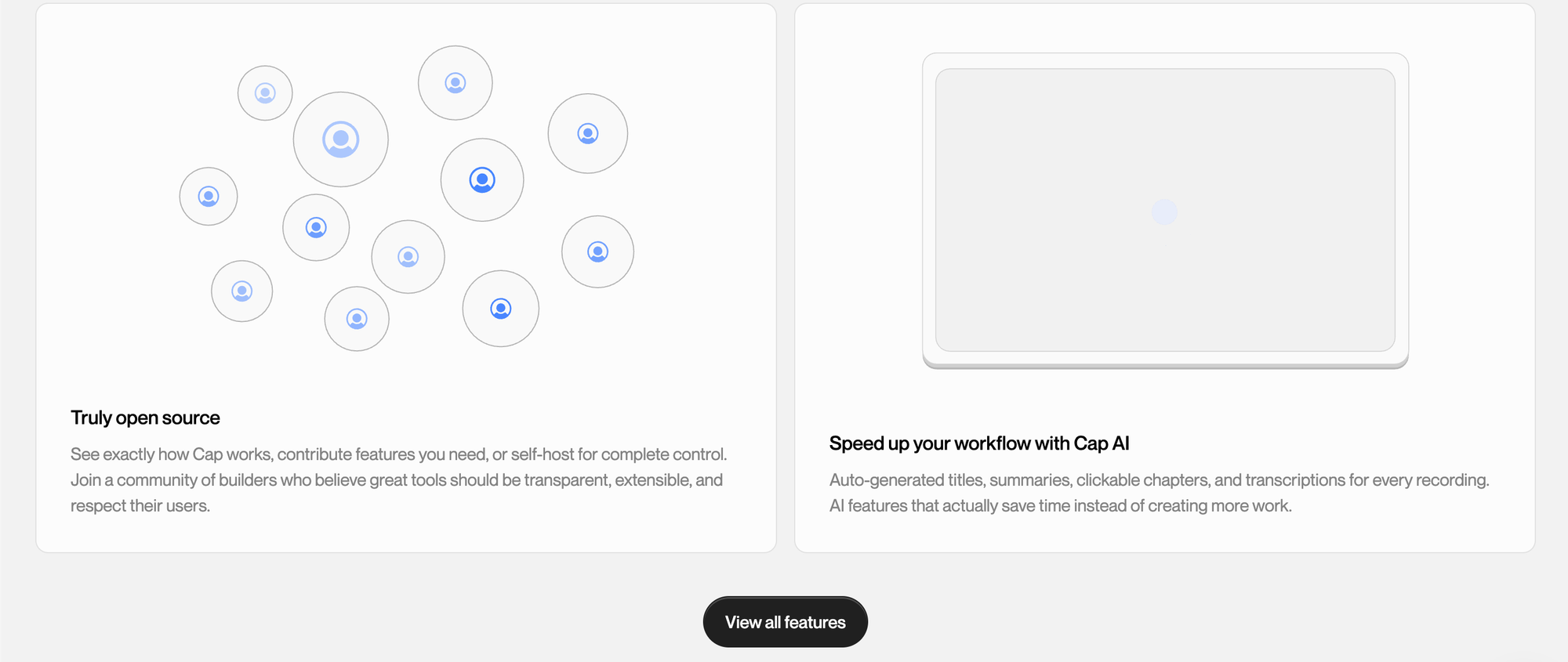
Because it is open source, you can also self-host the web backend using Docker or services like Railway, and the Cap desktop app will work with your instance. This makes it fully private and tailored for teams or individuals who care about ownership of their media.
Features That Matter
Some of the practical things people like about Cap are:
- Record and share quickly with clickable links you can paste anywhere.
- Instant upload or local editing with different modes depending on your workflow.
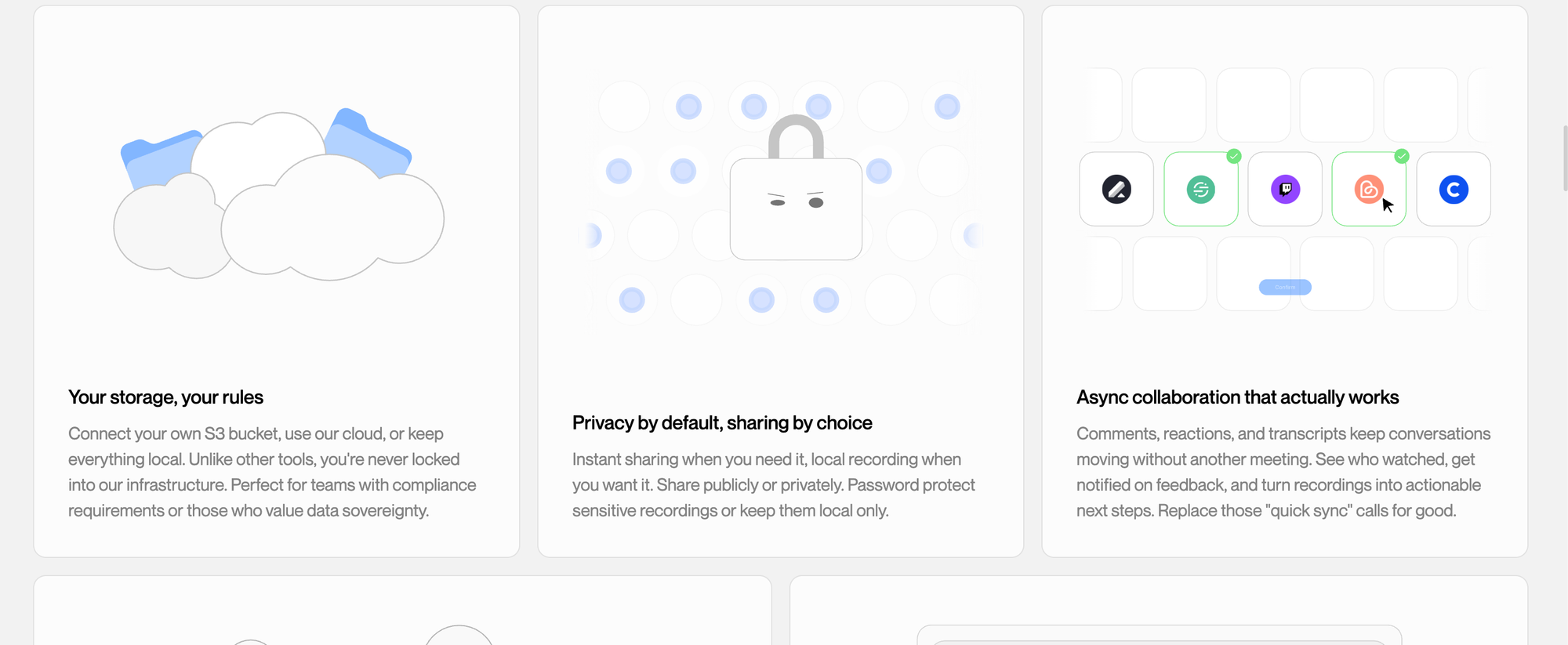
- High quality recording with synchronized audio and screen capture that feels polished and professional.
- Cross platform support so you can use it on different systems without extra setup.
- Self-hosting and privacy options that let you keep your videos on your own infrastructure.
These features make it suitable for a wide range of uses from quick bug reports to professional tutorials or team walkthroughs.
Technology Under the Hood
Cap’s codebase uses a monorepo architecture that combines desktop and web apps with shared UI components. On the desktop side it uses Tauri and SolidStart for lightweight performance, and on the web side it uses Next.js. It also uses Drizzle ORM and MySQL for backend data handling.
This combination of modern tools helps Cap stay fast and responsive while still offering features like editing, uploading, and metadata handling in a clean way.
Who Should Use Cap
Cap is great for:
- Developers and engineers who make demos, tutorials, or bug reports
- Teams that want async video communication without extra meetings
- Creators who need fast recording and sharing with minimal setup
- People who prefer open source tools they can self-host or customize
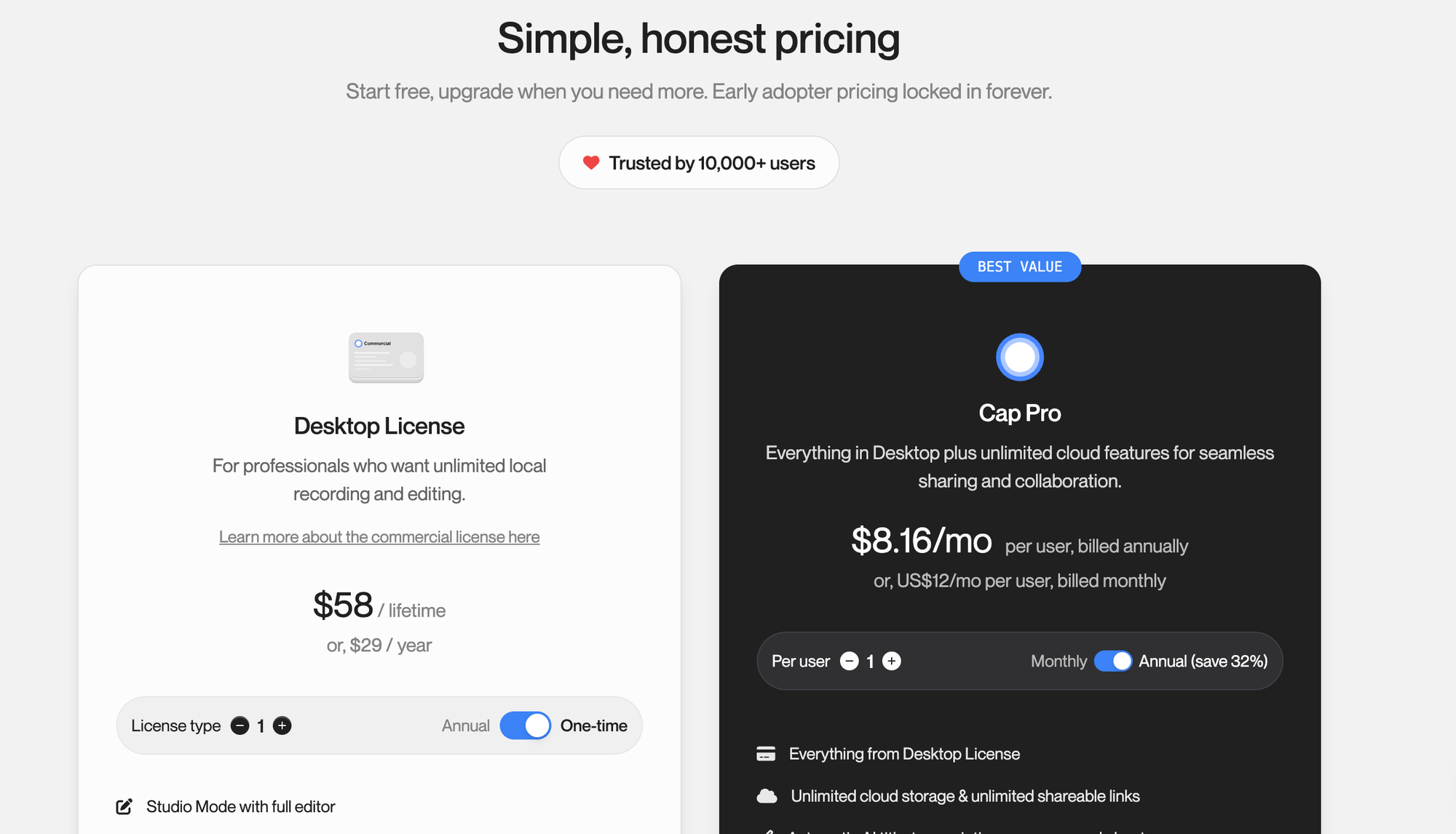
Because it is free and open source, you can experiment with it without committing to a paid plan, and even contribute to it if you want to help shape the features.
Final Thoughts
Cap is a welcome open source alternative to commercial screen recording services. It blends speed, quality, and control in a video tool that feels modern and thoughtful. If you create video demos regularly or need a way to give feedback visually, it is definitely worth exploring.