
I switched to ONLYOFFICE and It Covers Almost Everything I need
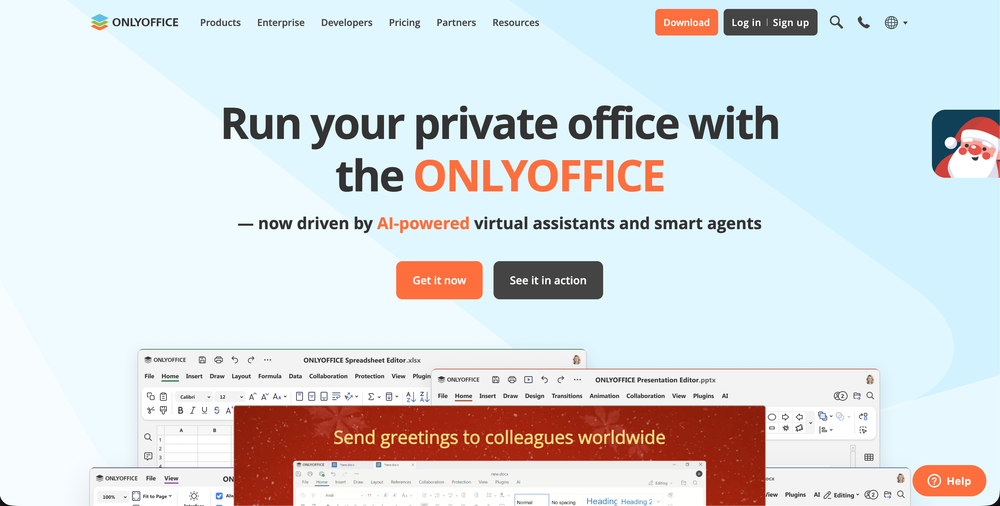
If you’ve ever been on the hunt for a capable, open-source office suite that doesn’t hand over your data to Big Tech, the latest ONLYOFFICE Desktop Editors 9.2 is something you’ll want to bookmark. This update isn’t just another point release. It’s one of those versions where you go, “Oh, this actually feels like progress.” 💡
Let’s break down what’s new, why it matters, and how it could change the way you work on documents, sheets, presentations, all without leaving your desktop.
First let's understand what Only Office does and exactly why we will use it.
OnlyOffice Desktop Editors is a complete suite similar to Microsoft Office. The only difference is OnlyOffice is free, open source, reliable and easy to plugin any where. You can install on your Mac OS, Windows, Linux, or with your Nextcloud, Wordpress and many other platforms: It offers Variety of tools like -
- Document Editor similar to Microsoft Word
- Spreadsheets Editor similar to Microsoft Excel.
- Presentations Editor similar to Microsoft PowerPoint.
- Fillable forms
- PDFs
Only Office supports all file formats from Microsoft Office, without the need for an account, subscription, or gating any features.
🧠 1. Built-in AI Agent More Than Just a Plugin
The flagship change in 9.2 is the AI agent baked right into the suite, and this isn’t your typical auto-complete bot. In earlier versions the AI was already floating around as a plugin, but now it’s matured into a full-fledged assistant that can help with tasks like:
- generating document content from prompts,
- analysing what’s in your file,
- answering questions about a sheet’s data,
- helping fill PDF forms without opening them manually,
- even finding and opening files on your system.
You get to choose which AI provider drives this, from OpenAI or Anthropic to local models like Ollama if you care about privacy and don’t want cloud calls. ONLYOFFICE
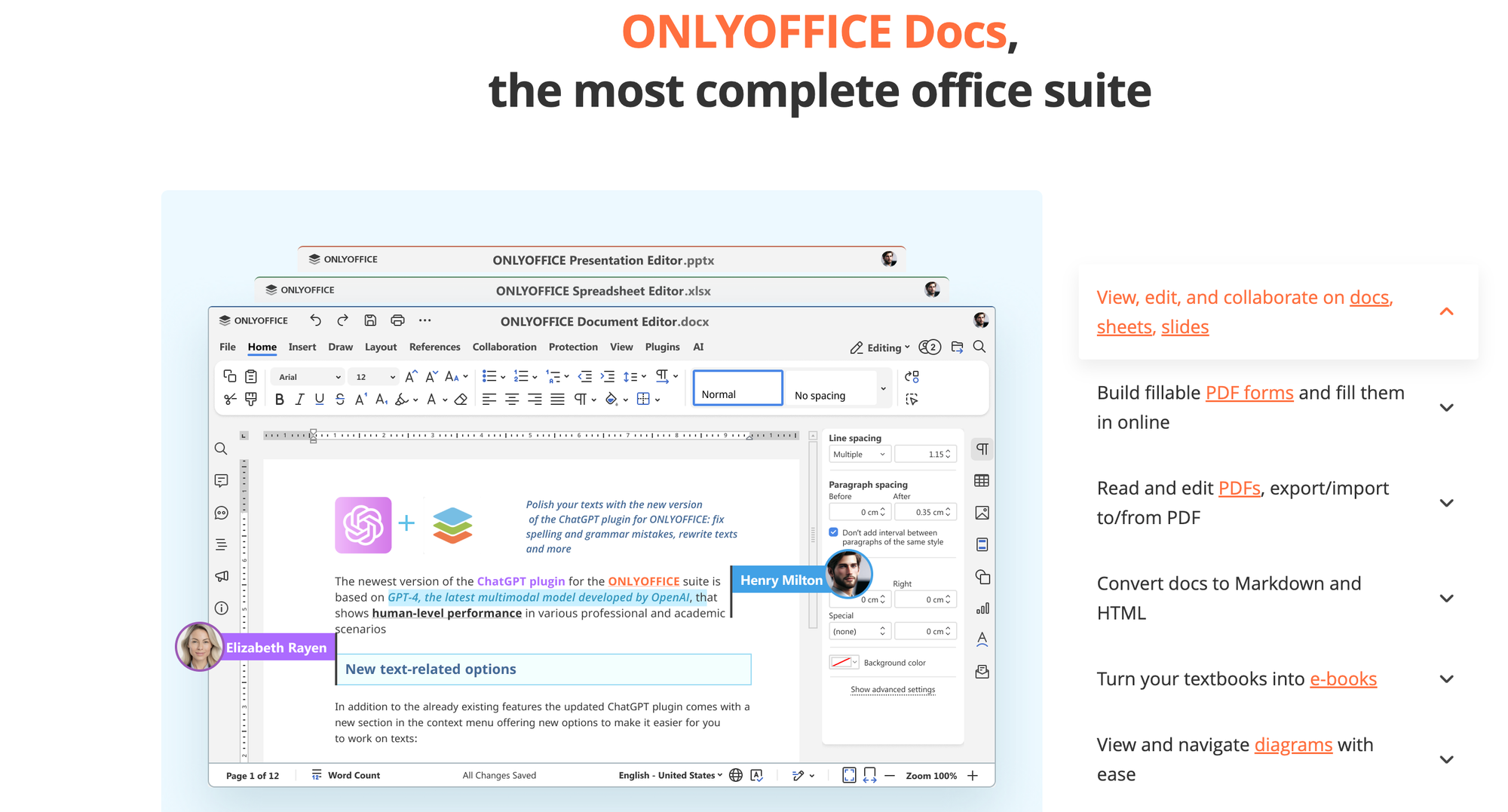
What I like about this is how hands-off it can feel, it’s like having a smart teammate that understands office files instead of just a regular editor. If you work with documents a lot, this could save real time. OMG! Ubuntu
✍️ 2. AI-Powered Grammar and Spell-Check
Typos, we’ve all been there 😅. The 9.2 update improves grammar and spelling correction using AI right inside the editor. This isn’t just red squiggles; it’s smarter suggestions that actually understand context. Think fewer awkward phrases, clearer language, and no need to bounce between different tools to polish your writing.
⌨️ 3. Custom Keyboard Shortcuts
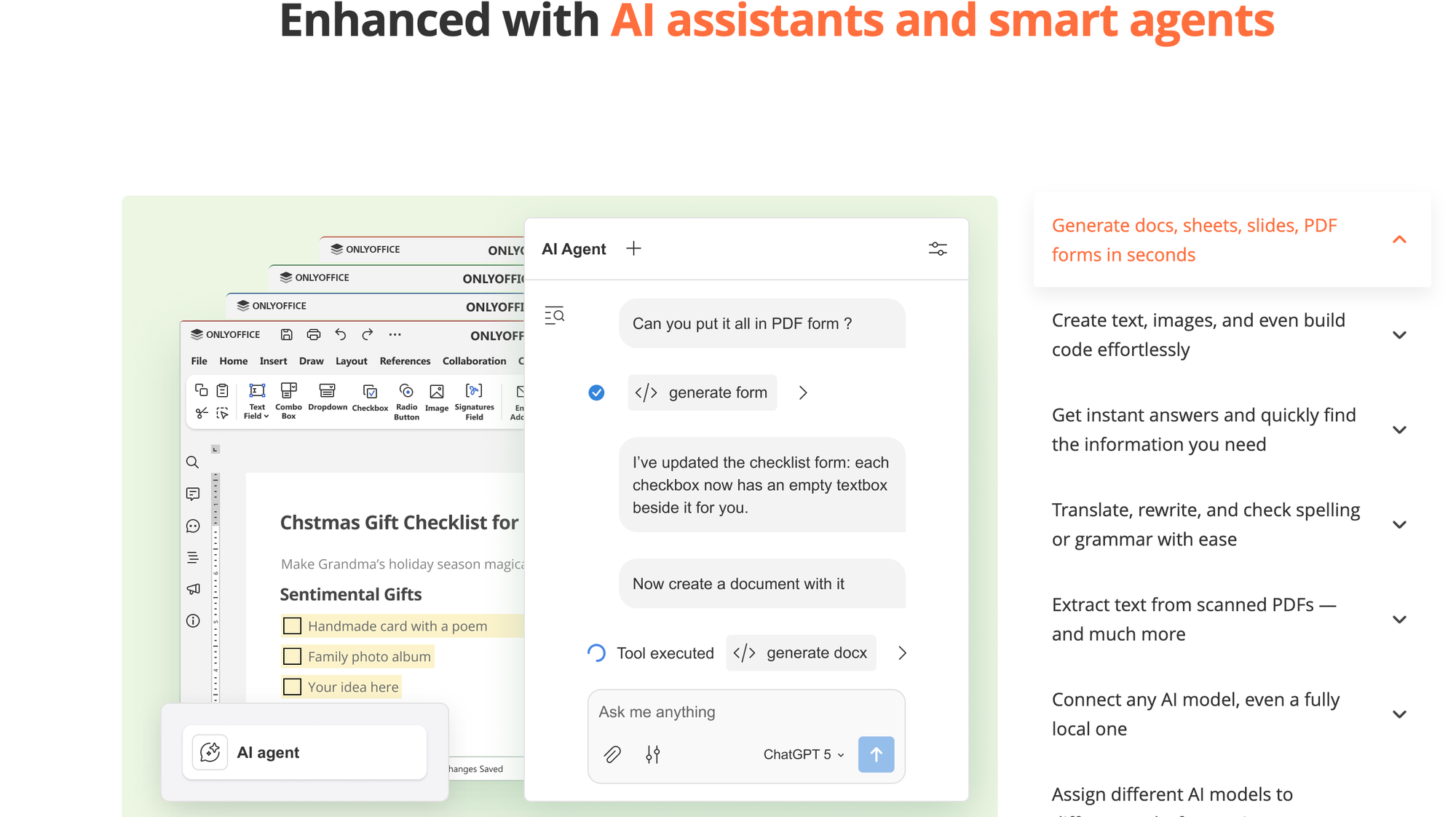
This one’s for those of us who like doing things fast. Instead of wrestling with menus, you can now shape keyboard shortcuts to match your workflow. You want Ctrl+Shift+M to insert a macro? Go for it. Want to reassign function keys because that’s how your fingers work? That’s possible too.
Personally, shortcuts feel like a tiny detail, until you don’t have them. Then you really notice. So this is one of those subtle quality-of-life improvements that ends up mattering more than you think. ✌️
📋 4. Easier Form Creation
Version 9.2 makes building fillable forms easier. You can now:
- add clear text labels to checkboxes and radio buttons,
- assign specific roles to various fields for better form logic.
This matters if you use forms for surveys, feedback, or internal workflows, suddenly forms feel less like a chore and more like a tool.
🖥️ 5. ARM64 Support for Windows 11
If you’re rocking a Windows 11 laptop with an ARM chip (hello Surface Pro X owners), version 9.2 has you covered with a native ARM build. That usually means better performance and battery life compared to running an x86 app through emulation.
(Mac M-series users also get smooth performance, but that’s been true for a while now.)
💡 Why This Update Matters
Here’s the honest breakdown:
- AI agent feels like a big leap, not just a buzzword, and it’s genuinely useful for document workflows.
- Grammar/AI writing help means one less external tool to open.
- Custom shortcuts & macros empower power-users without intimidating beginners.
- Better form and PDF handling gives you tools you’d usually only find in paid office suites.
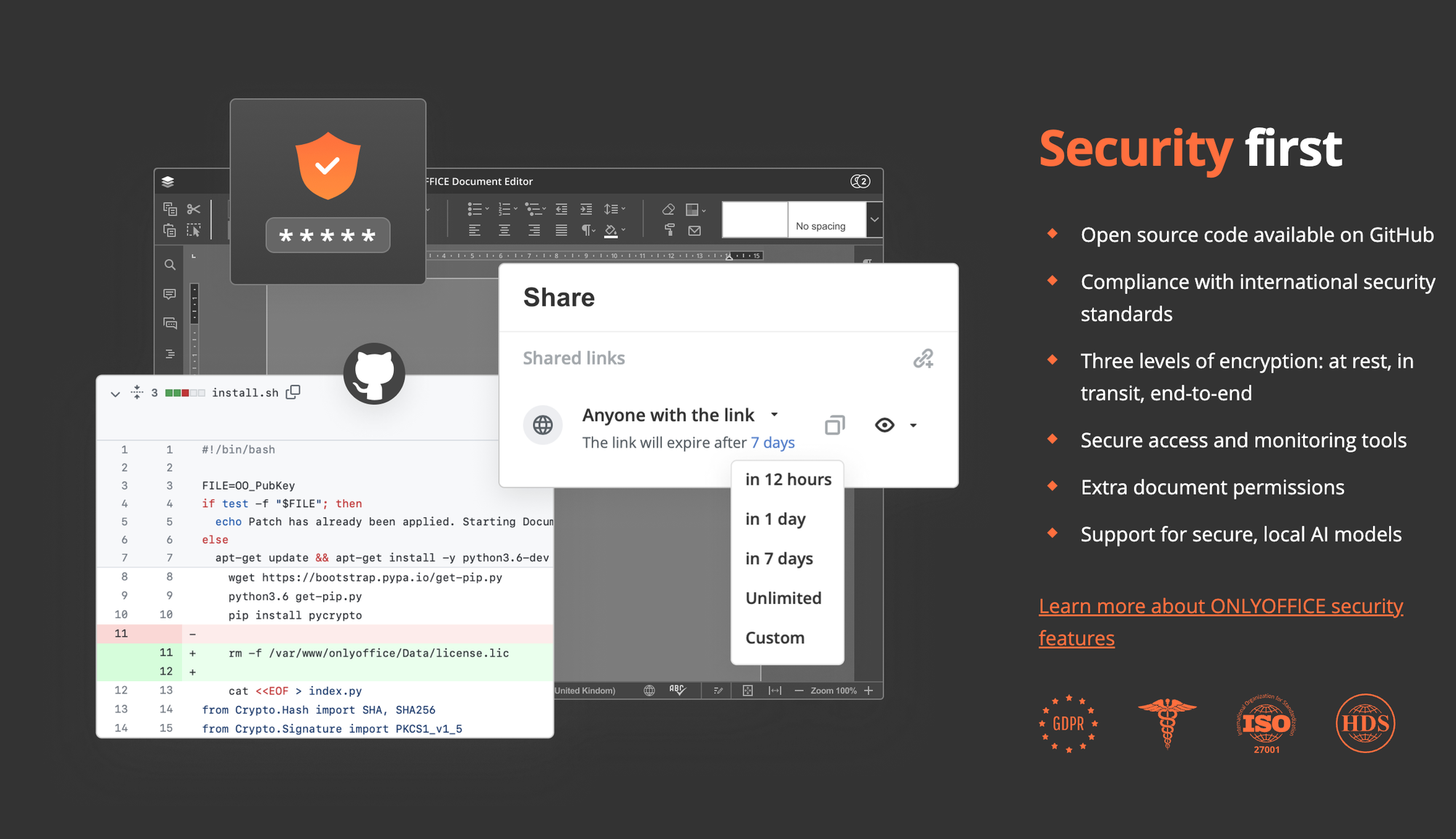
For someone who wants a free, offline-capable alternative to Microsoft Office or Google Docs, this feels like a meaningful upgrade, especially if you care about privacy, offline editing, and control over your files.
🧰 Conclusion
ONLYOFFICE Desktop Editors 9.2 isn’t just another incremental release. It’s a feature bump that addresses real pain points, like writing better, working faster, and automating boring tasks. If you’re working with lots of documents, be it for personal projects, study, or work, give this update a spin.
Download it on Windows, macOS, or Linux and see how it fits your workflow. You might find that office work doesn’t have to feel like a grind anymore. 🚀