Is Adobe Dead? Why Everyone is Swapping to the NEW Free Affinity
Let’s be real: we are all tired of the "Subscription Trap." You know the feeling—checking your bank statement and seeing that monthly Adobe Creative Cloud - Photoshop, and Illustrator fee hitting your account like a recurring nightmare.
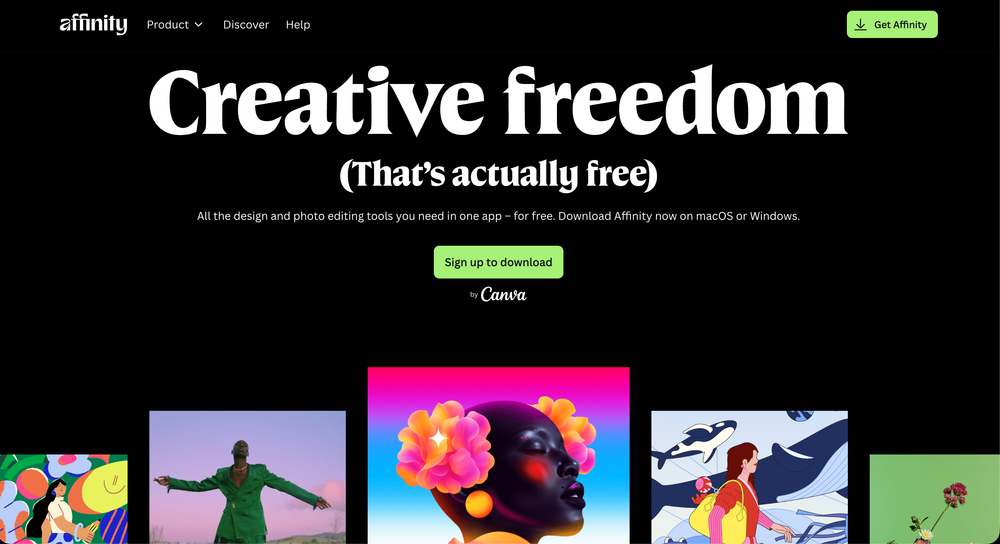
But the creative landscape just shifted. Permanently. Affinity is now officially FREE.
In a move that has sent shockwaves through the design community,Affinity by Canva has consolidated its entire professional suite into one unified, high-performance app, and they’ve dropped the price tag to zero.
The Clickbait You Can Actually Believe: Professional Software for $0
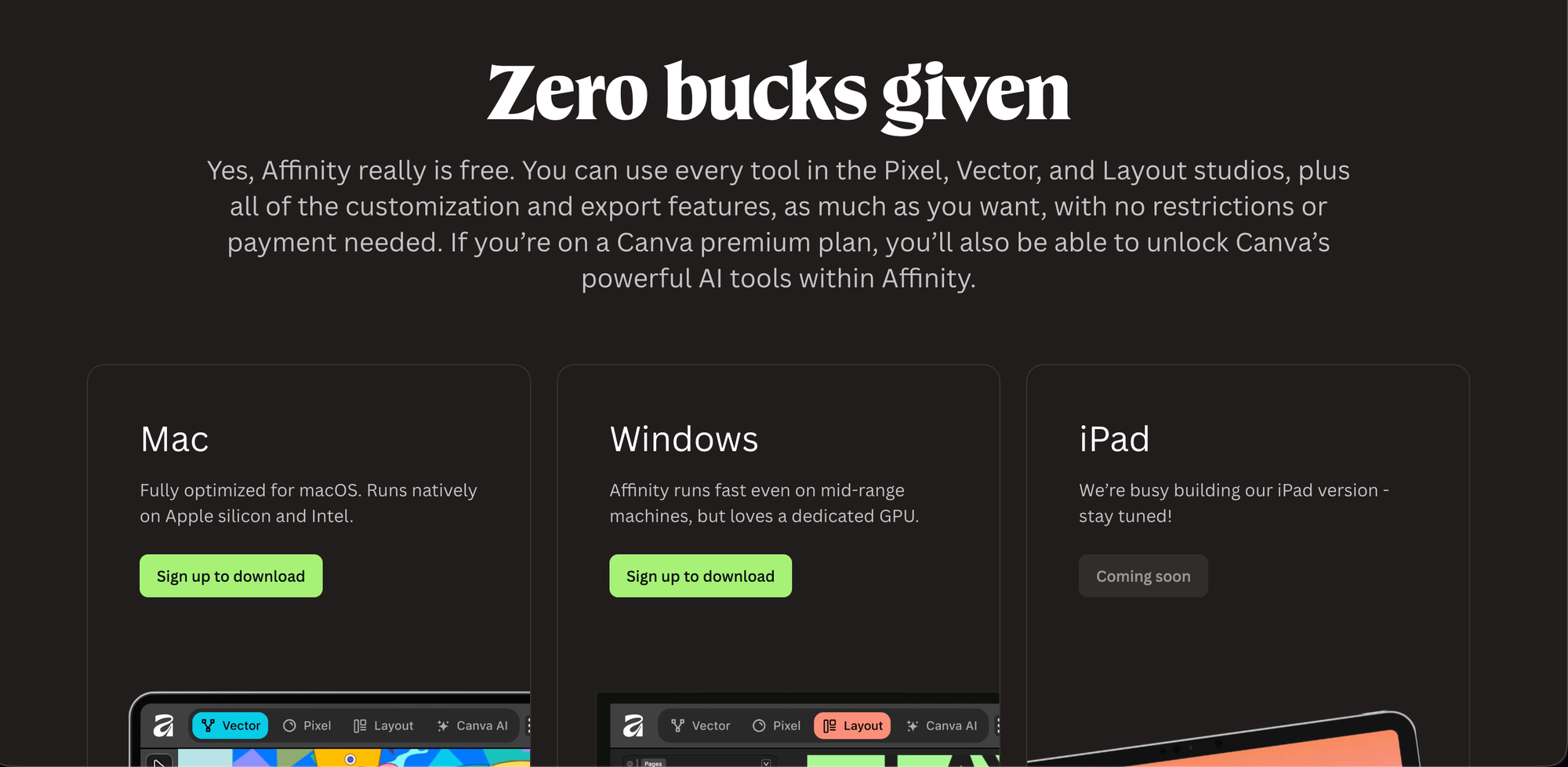
"I deleted my Creative Cloud and saved $600 a year here’s how." It sounds like a scam, but it’s the new reality. Since Canva acquired Affinity, they’ve doubled down on their "Design for Everyone" mission. This isn't a "lite" version or a "30-day trial." It is the full-fat, professional-grade Affinity Photo, Designer, and Publisher toolkit available for everyone with a free Canva account.
Affinity vs. Adobe: The 2025 Showdown
Is a free tool actually better than the industry standard? Let’s look at the cold, hard facts.
| Feature | Adobe Creative Cloud | The New Affinity (Free) |
| Price | ~$60/mo (Subscription) | $0 (Totally Free) |
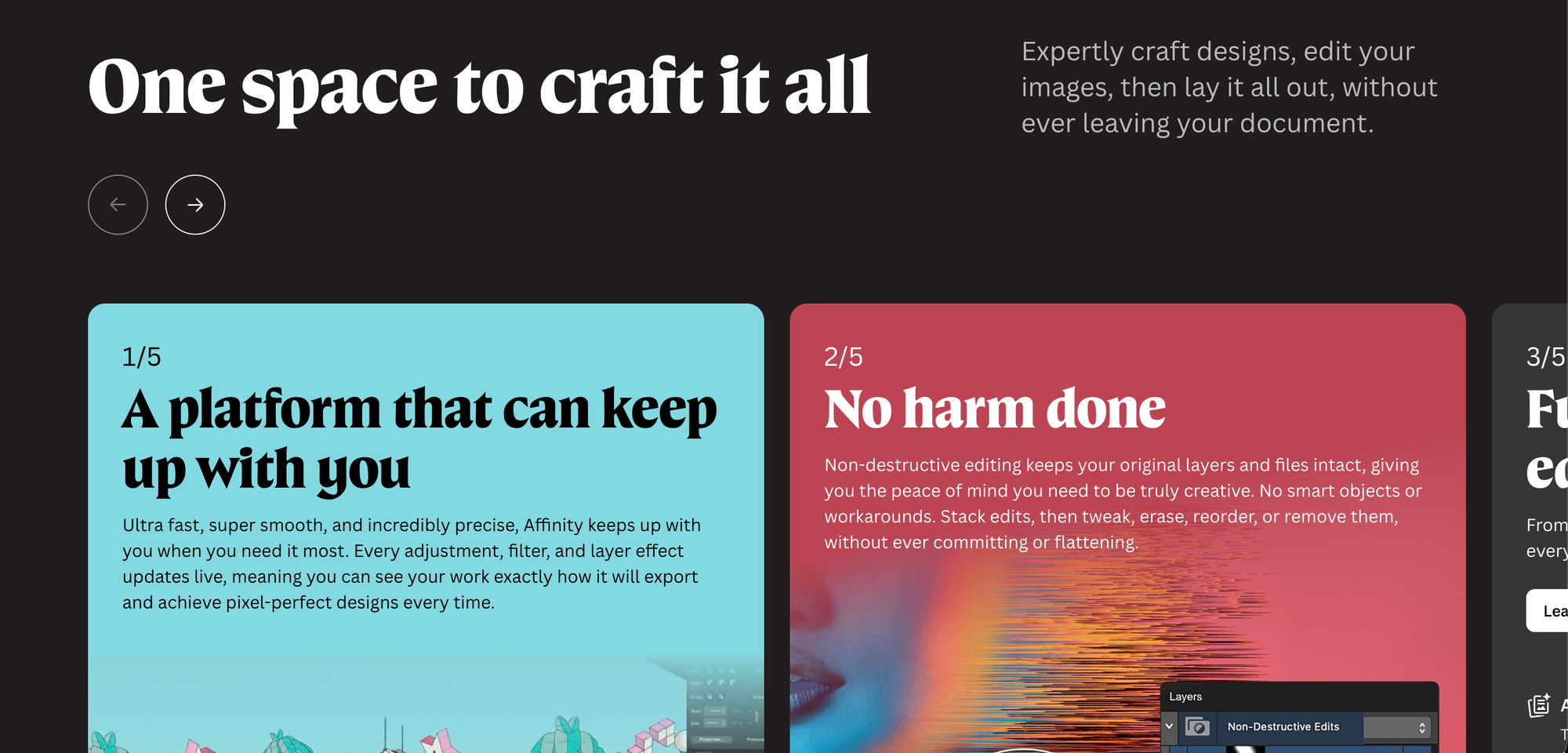
| Performance | Resource heavy, slow on older PCs | Blazing fast, built for modern GPUs |
| iPad App | "Watered down" versions | Full desktop experience on iPad |
| AI Tools | Included (Firefly) | Optional (Requires Canva Pro) |
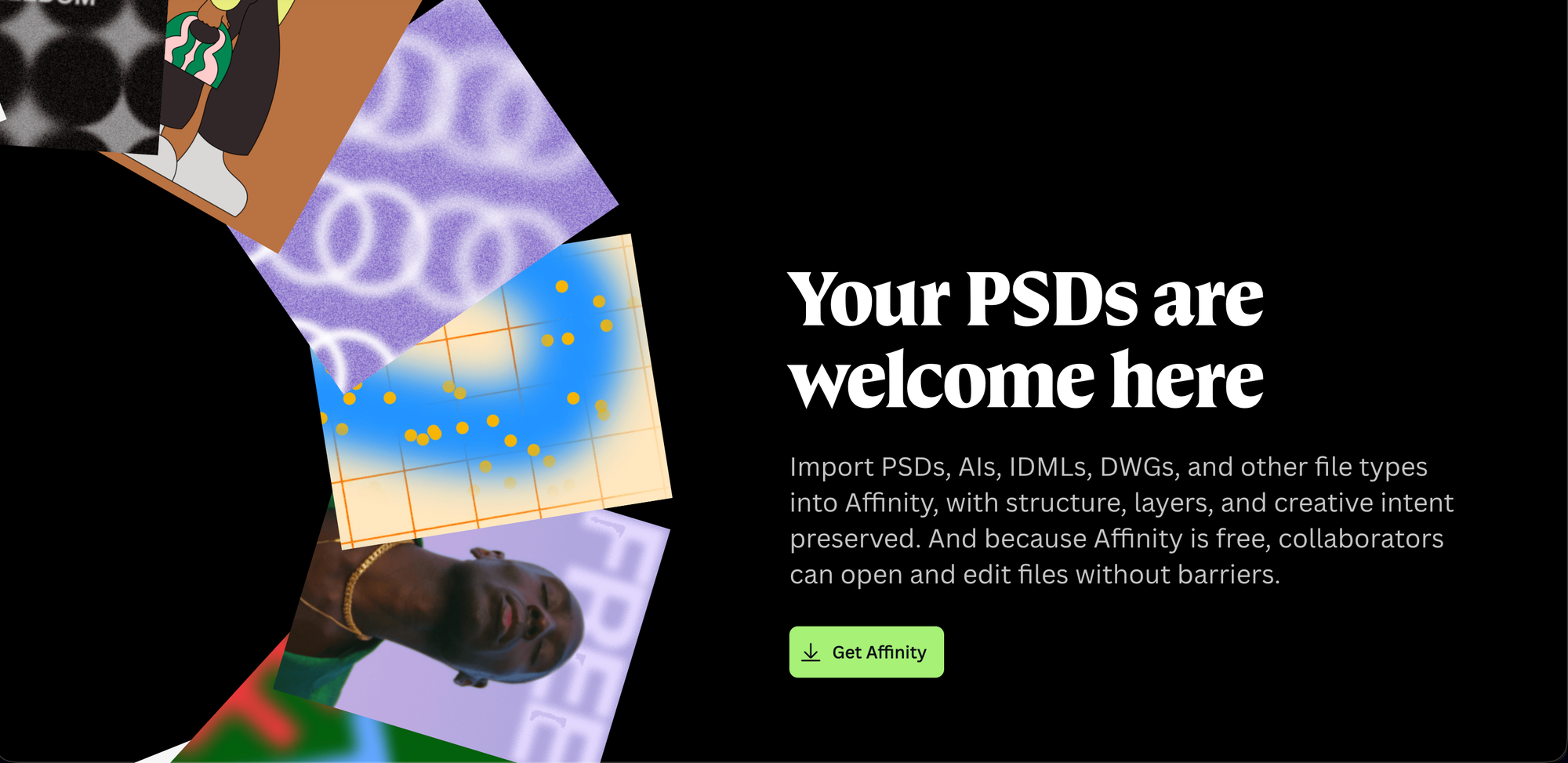
| File Support | Proprietary (.PSD, .AI) | Full compatibility (Opens PSD, AI, PDF) |
Why You’ll Love Affinity (And Why Your PC Will Too)
One of the biggest complaints about Adobe is the "bloat."Adobe Photoshop can hog your RAM until your computer sounds like a jet engine.
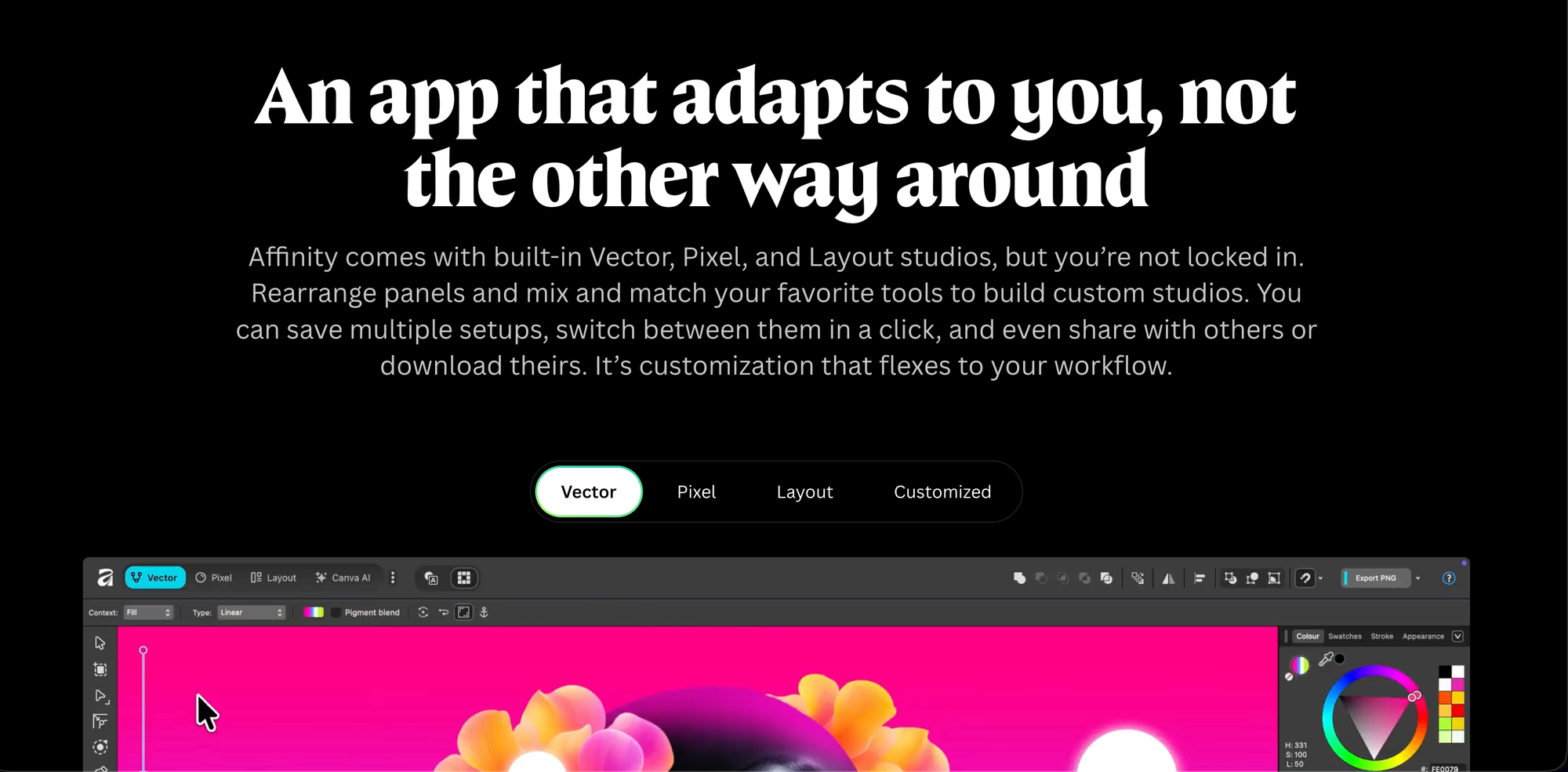
Affinity was built from the ground up for modern hardware. Whether you’re on a Mac with M3/M4 silicon or a mid-range Windows laptop, the performance is buttery smooth. You can switch between Vector, Pixel, and Layout studios in a single click without ever closing your document.
"What’s the Catch?" (Hint: There Isn't One)
You might be wondering: How is Affinity free? Canva’s strategy is simple. They want to provide the core professional tools for free to empower the global creative community. They only charge if you want to use their Canva AI Studio features (like Generative Fill or Magic Expand) or specialized team collaboration tools.
Wait, what about my data?
Unlike some recent industry scandals, Affinity has been clear: Your content is not used to train AI. Your local files stay local, and your creativity stays yours.
3 Reasons to Switch Today
- Zero Barriers to Entry: If you’re a student or a freelancer, you no longer need a "budget" to produce world-class work.
- Universal License: One account gives you access on Windows and macOS, with the iPad version coming soon to complete the trifecta.
- No More "Update Anxiety": Stop worrying about whether your version is out of date. The unified app stays updated automatically via your Canva login.
The Verdict: Time to Jump Ship?
If you are a high-end studio that relies on specific Adobe-only plugins or complex video workflows via Dynamic Link, you might stay in the ecosystem a bit longer.
But for 90% of designers, illustrators, and photographers, the choice is now a no-brainer. Why pay for a cage when you can have freedom for free?
Affinity vs Adobe 2025, Free Affinity download, Best Photoshop alternative 2025