
n8n Just Killed the Learning Curve: Here’s How to Build Your First Workflow in 5 Minutes.
Are you tired of pausing YouTube videos every 5 seconds just to find where a button is?
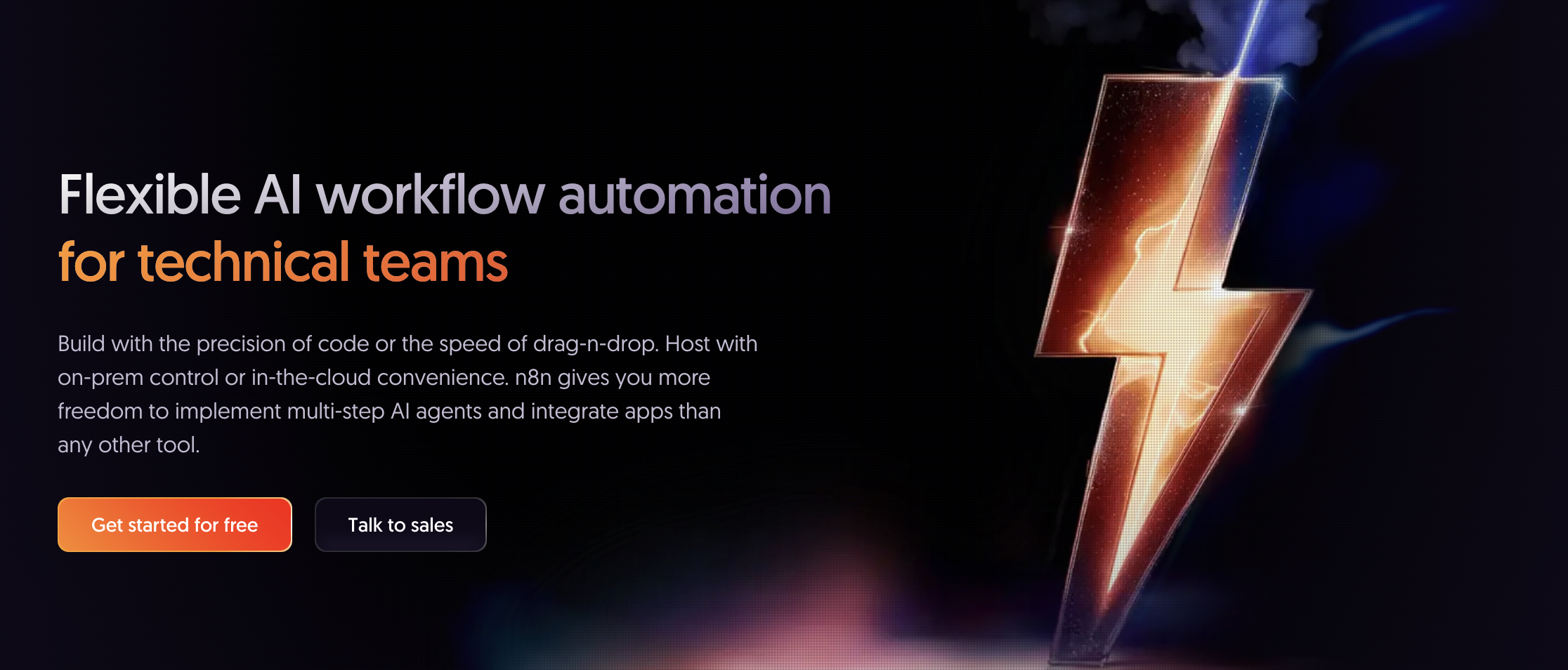
The game has changed. You don't need a 10-hour course to master n8n and all this comes with the power of open source. With the new inbuilt AI Assistant and Documentation AI, n8n has basically turned its entire platform into a self-teaching machine. Whether you're a "no-code" beginner or a seasoned dev, you can now build complex automations just by asking.
Why n8n Documentation AI is a Literal Cheat Code
In the past, learning automation meant reading dry documentation and guessing JSON structures. Today, n8n has integrated AI directly into its ecosystem. Here’s why it’s a game-changer:
- Context-Aware Help: The AI Assistant doesn't just give you generic tips; it sees what’s on your screen. If your node throws an error, the AI knows exactly why.
- RAG-Powered Docs: n8n uses Retrieval-Augmented Generation (RAG) to feed its latest documentation and community forum solutions directly into the AI. You get the most up-to-date answers without leaving the editor.
- Code & Expressions on Autopilot: Can’t remember how to write a JavaScript snippet to format a date? Just ask the AI Assistant, and it will write the expression for you.
How to Learn n8n "The Easy Way" (3-Step Guide)
Step 1: Use the "AI Assistant" for Real-Time Debugging
When you're building a workflow and a node turns red (the dreaded error!), don't panic.
- Click the AI Assistant icon in the n8n UI.
- Ask: "Why did this Google Sheets node fail?"
- The Assistant will analyze the error log and tell you exactly which credential or field is missing.
Step 2: Leverage the n8n Documentation AI
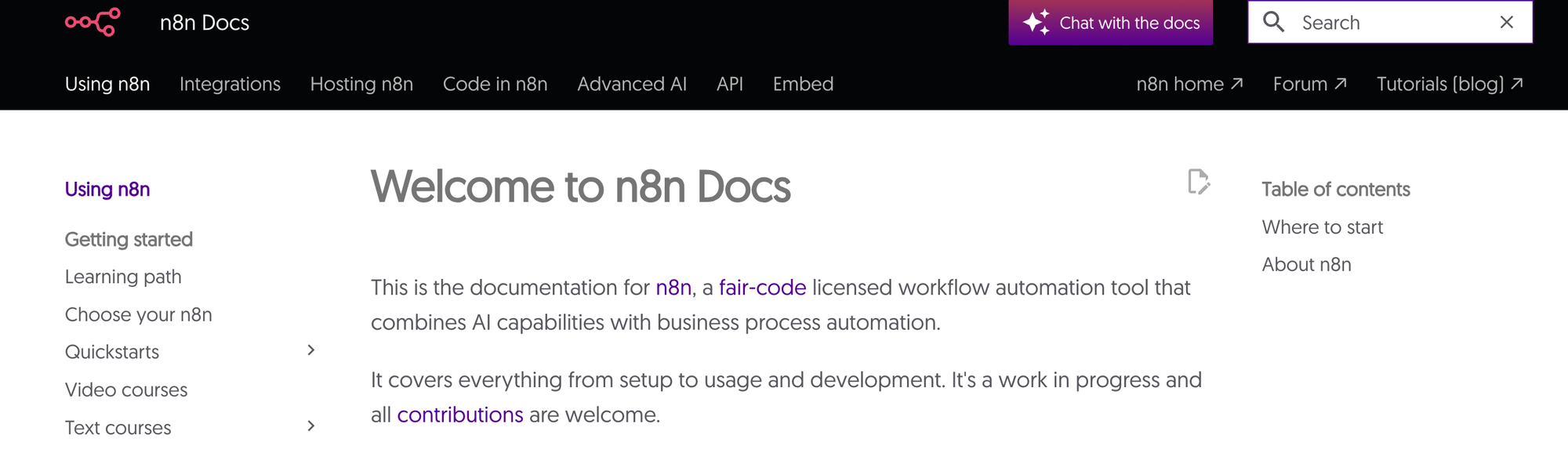
Then 8n Docs now feature a search powered by AI. Instead of looking for a needle in a haystack, you can ask natural language questions:
- "How do I set up a Webhook to trigger on a Typeform submission?"
- It won't just give you a link; it will give you a step-by-step summary pulled from the docs.
Step 3: Use the MCP Server for "God-Mode"
If you’re using Claude Desktop or ChatGPT, you can connect them to n8n via the MCP (Model Context Protocol) Server.
- This allows your external AI to "read" your n8n workflows.
- You can literally say: "Claude, look at my n8n workflow and tell me how to add a Slack notification at the end."
Pro Tip: "Steal" Before You Build
The fastest way to learn is by importing. n8n has over 7,000+ templates.
- Go to the n8n Workflow Library.
- Import a template that looks interesting.
- Ask the AI Assistant: "Explain what each node in this workflow does." This "reverse engineering" method is 10x faster than starting from a blank canvas.
Final Thoughts: Is n8n still hard?
Not anymore. With the combination of visual building and inbuilt AI support, the barrier to entry has vanished. If you can describe what you want in plain English, you can build it in n8n.