
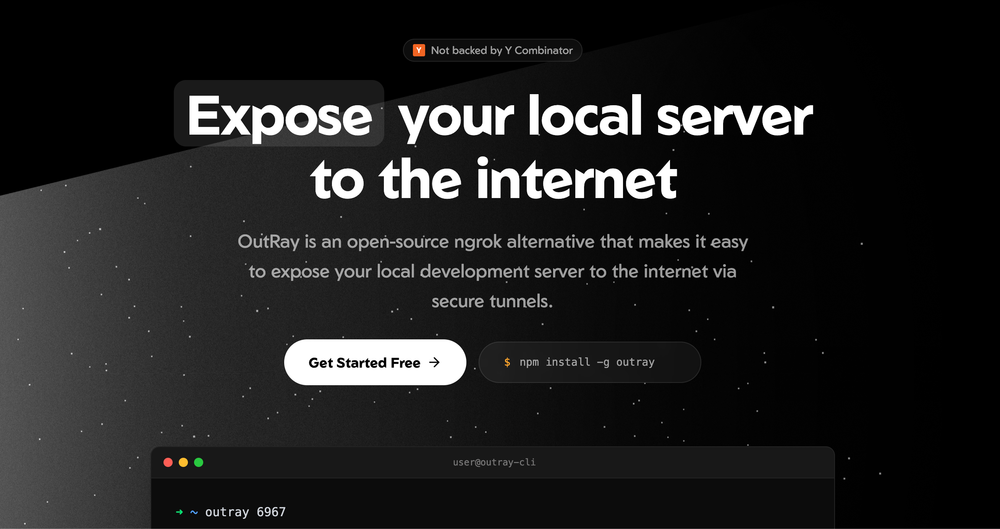
Need an ngrok alternative? Meet Outray! 🚀
Have you ever been in the middle of a project, finished a cool feature on your local machine, and then realized you need to show it to a client or a teammate right away? Usually, you’d have to deploy it to a staging server, which takes time. Or maybe you use a tool like ngrok, but then you hit those annoying limits on the free version. 😱
Well, I found a project that is going to change how you share your work. It’s called Outray. 🥳
What exactly is Outray?
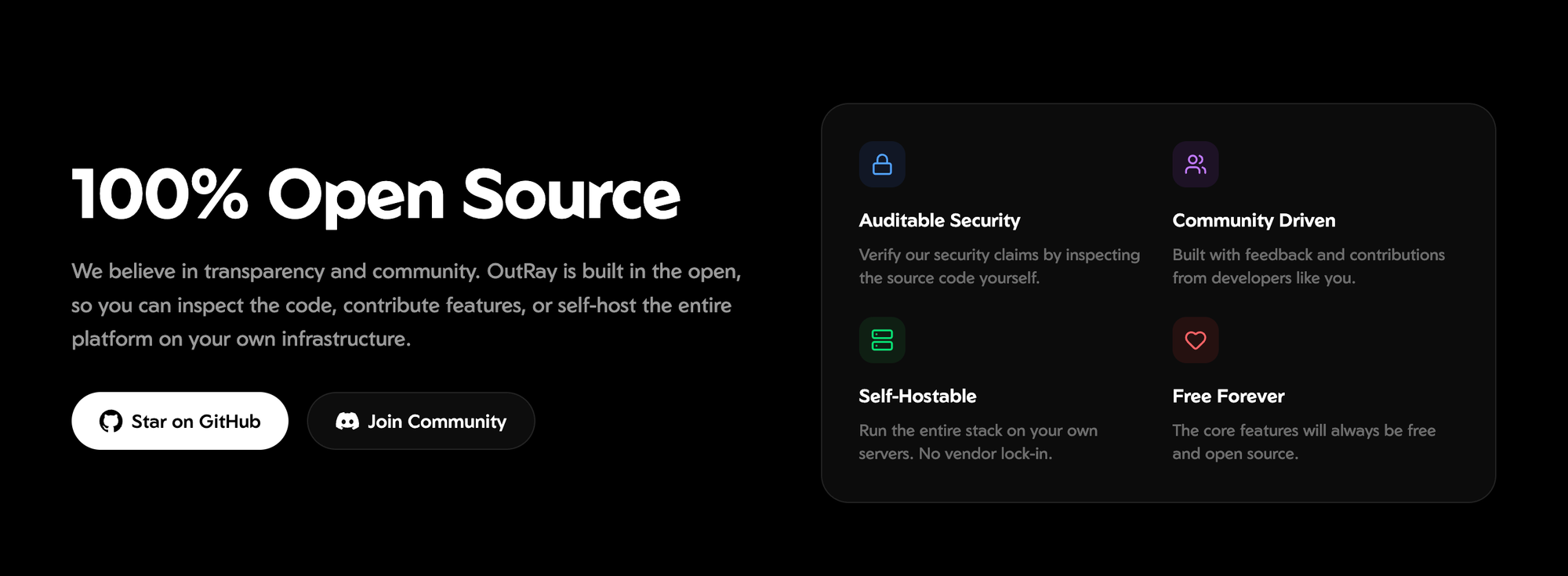
If you check out the Outray GitHub repository, you’ll see it’s a powerful, open-source alternative to ngrok. It’s a tunneling solution that lets you expose your local servers to the internet instantly.
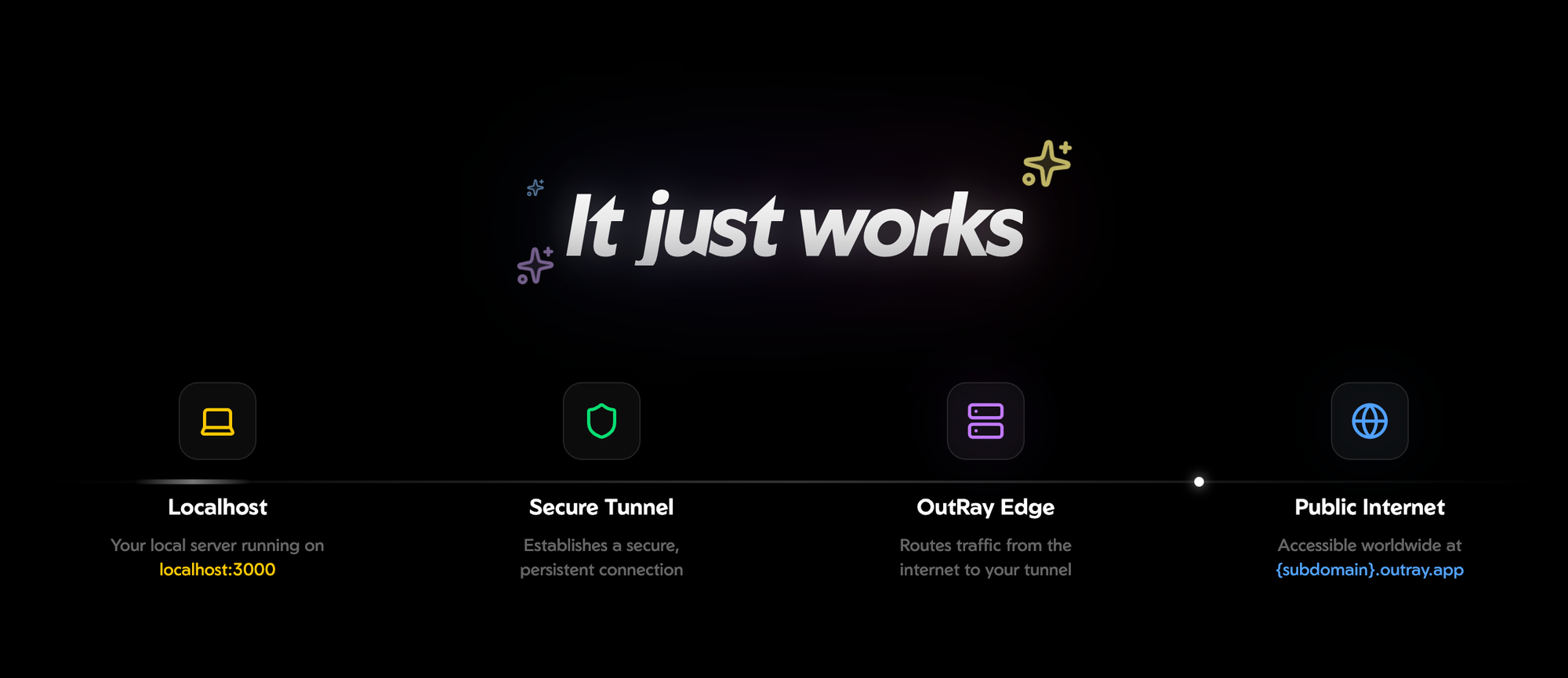
Whether you are running a web app, a database, or even a game server on your laptop,Outray creates a secure tunnel so anyone with the link can access it. It’s like opening a magic door from your computer to the rest of the world! 🗞️
Why you should care about it?
Most of us have used basic tunneling before, but Outray takes it to a whole new level. It’s not just for simple web pages.
Here is why it’s a game-changer for developers:
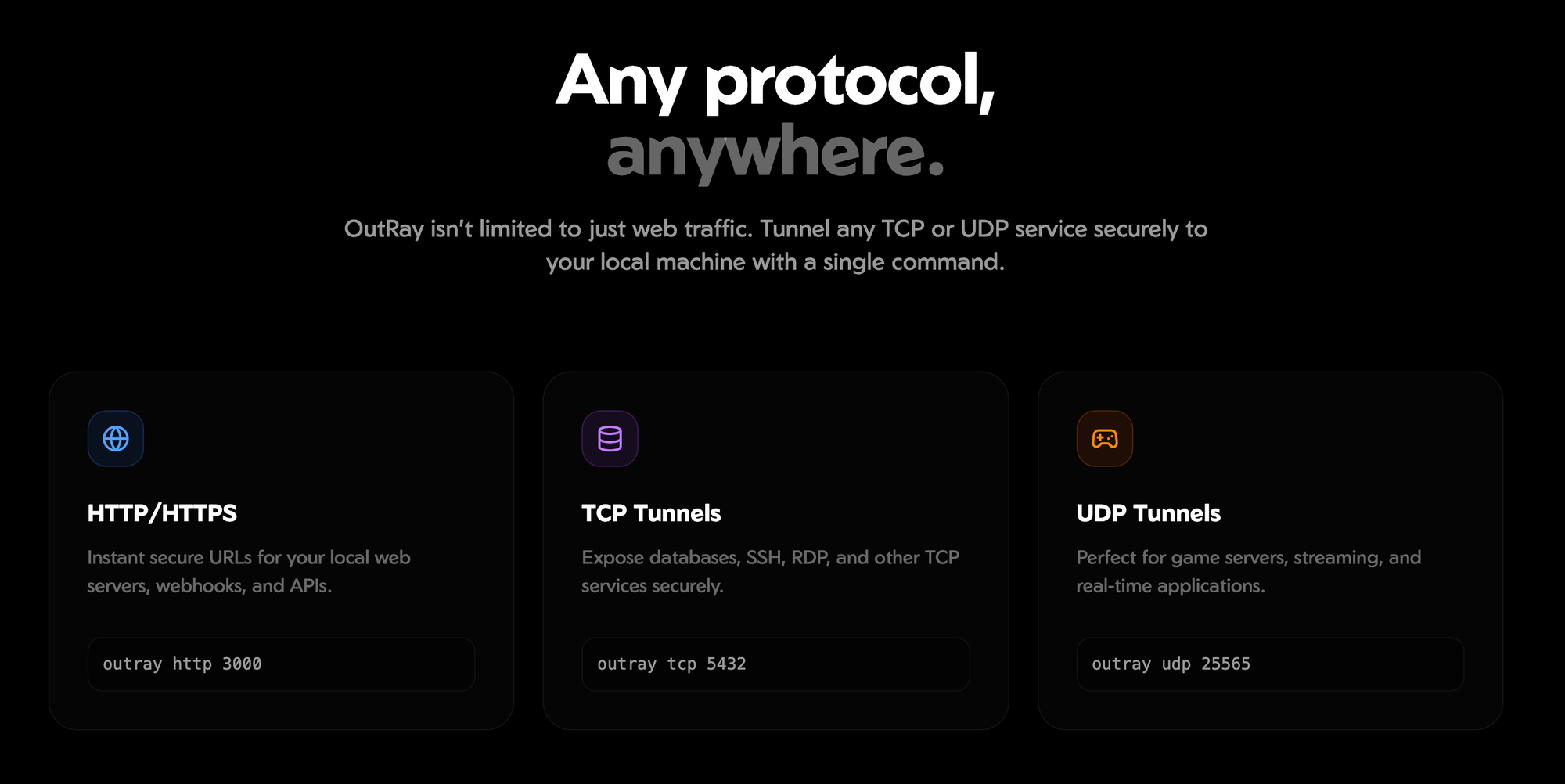
- HTTP, TCP, and UDP Support: Most tools only handle web traffic. Outray handles everything. Want to share a PostgreSQL database? Use a TCP tunnel. Hosting a DNS or VoIP service? Use UDP. 🚀
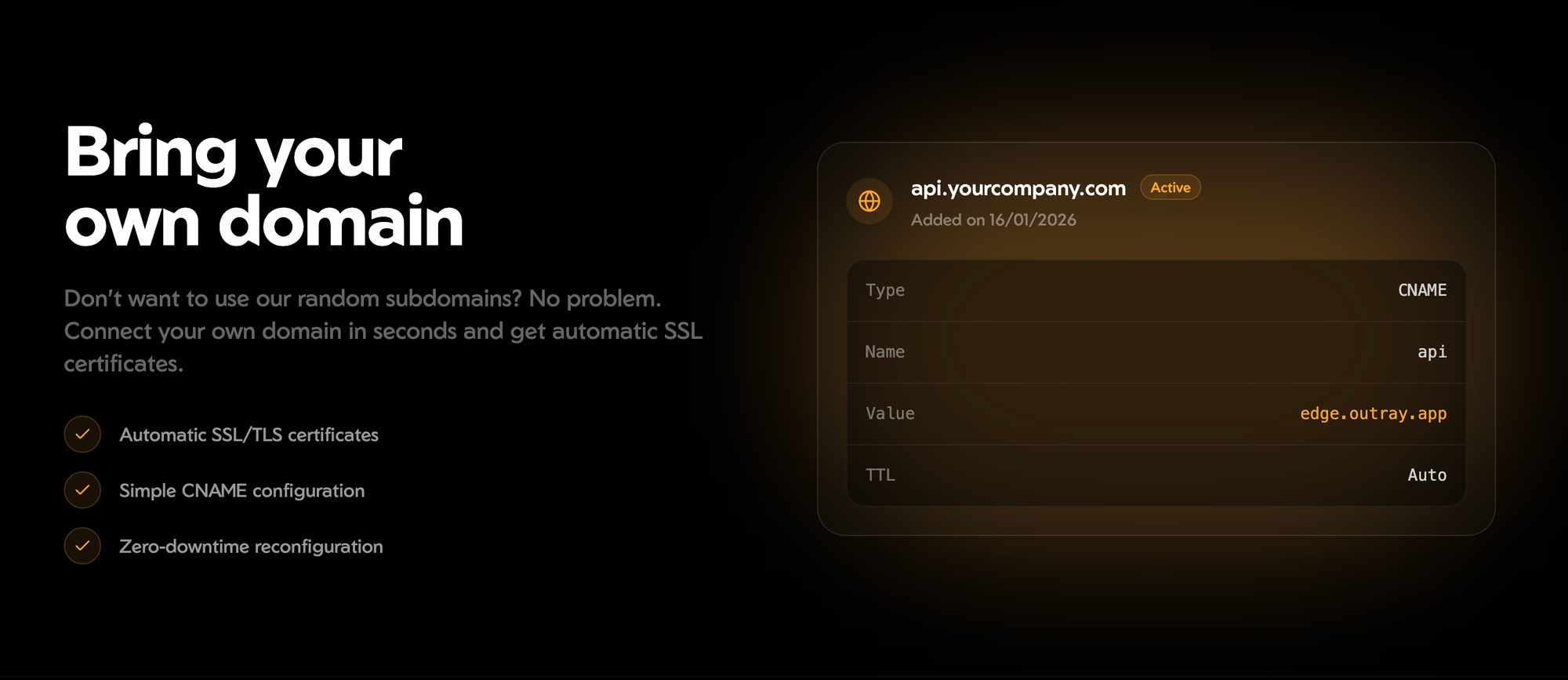
- Custom Domains & Auto TLS: You can bring your own domain, and it automatically handles the SSL certificates for you. No more "Insecure Connection" warnings!
- Beautiful Dashboard: It comes with a web UI where you can monitor your traffic, check analytics, and manage all your active tunnels in one place. 🥳
- Team Collaboration: It has built-in support for organizations and role-based access, which is perfect if you’re working in a startup or a small office.
Is it hard to set up?
Not at all! The team at Outray made it incredibly simple to get started. If you have Node.js installed, you are just one command away from your first tunnel.
You just install the CLI globally: npm install -g outray
And then start your tunnel. If your app is running on port 3000, you just type: outray http 3000
Boom! You get a public URL that you can send to anyone. It’s fast, reliable, and because it’s open-source, you have total control over your data. 💻
The magic behind the tunnel!
The tech stack is also really impressive. It’s built primarily with TypeScript and uses Redis and PostgreSQL to keep things running smoothly. They even use TimescaleDB for the analytics part, which explains why the dashboard feels so snappy even when you have a lot of traffic. 🚀
It’s a perfect example of how the community is building high-quality, free alternatives to expensive SaaS products. 🥳
Ready to give it a try?
If you are tired of the limitations of proprietary tunneling tools or just want to support a great open-source project, you should definitely give this a look.
Check out the full source code and documentation here: Outray on GitHub.
What do you think? Are you sticking with ngrok or are you ready to jump into the open-source world with Outray? Let me know in the comments! 🥳
Wait..
As we all know, writing these kinds of useful blogs for you all takes so much effort, research, and time. If you want to support me in any way that would be helpful for me. (Optional) 🚀
Here are a few ways you can support me:
- Share this blog on your social handles like Twitter, Instagram, or LinkedIn.
- Subscribing to our newsletter.
- Suggest new ideas for creating blogs.
Subscribe to our newsletter Get the latest tech simplifications delivered right to your inbox. 🗞️


