
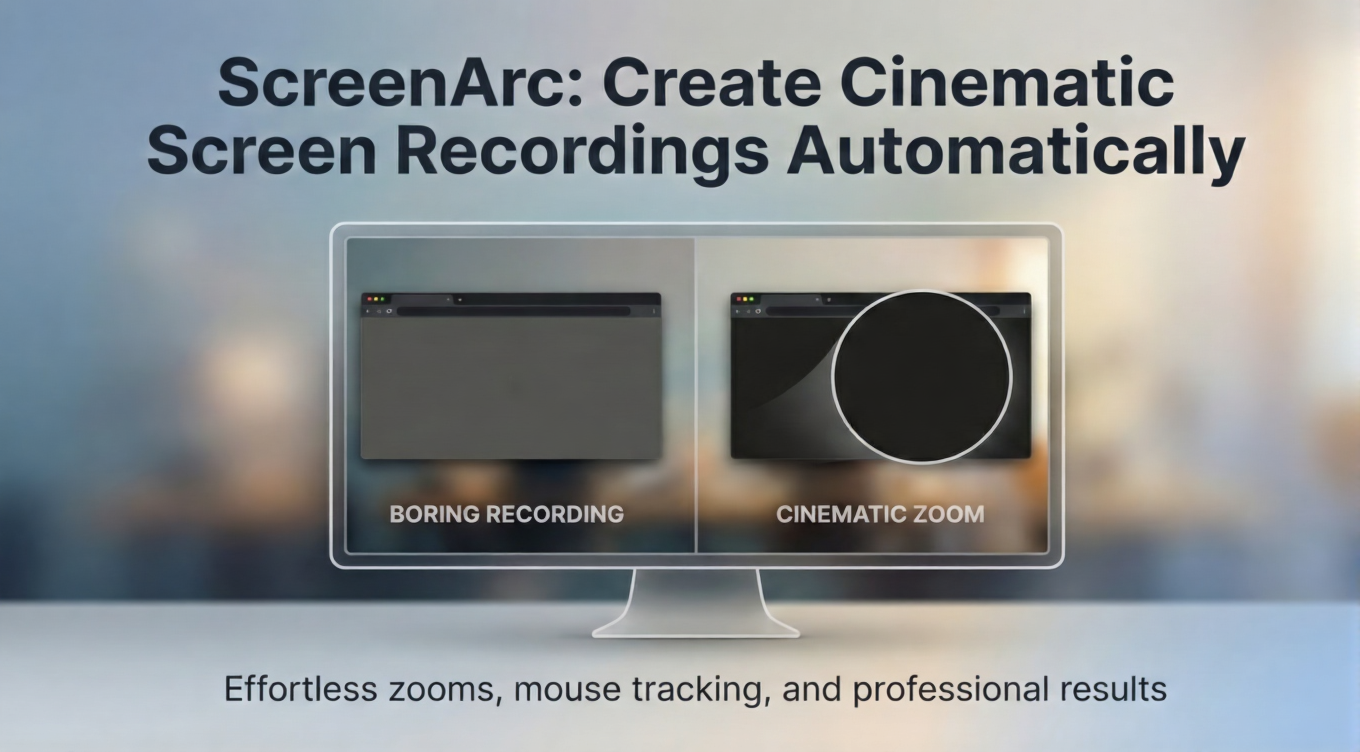
Tired of boring screen recordings? Meet Free and Open Source ScreenArc! 🎬
Have you ever tried recording a tutorial or a demo for your app and felt like it looked, well, a bit flat? You want those cool, smooth zooms that the big YouTubers have, but you don't want to spend three hours in a heavy video editor keyframing every single mouse click. Right? 😱
Well, I found a tool that is going to make your life so much easier. It’s called ScreenArc. 🥳
What exactly is ScreenArc?
If you head over to the ScreenArc GitHub repository, you will see it is an free and open-source, cross-platform screen recorder and editor. But it’s not just "another" recorder. 🗞️
It’s built to give you cinematic results without the hard work. It tracks your mouse movements and automatically adds smooth pan-and-zoom effects. It basically acts like a tiny camera operator living inside your computer, making sure your audience is always looking at exactly what matters! 🚀
Why you should care about cinematic recording?
In today's world, everyone is fighting for attention. If your video is just a static 1080p rectangle with a tiny cursor moving around, people are going to zone out. 😴
Here is why ScreenArc is a game-changer:
- Automatic Focus: It follows your clicks. No more manual zooming in post-production.
- Webcam Overlay: You can add your face to the corner to build that personal connection with your viewers. 👤
- Social Ready: You can switch between 16:9 (YouTube), 9:16 (TikTok/Shorts), and 1:1 (Instagram) with just one click.
- High Quality: It supports up to 2K exports in MP4 or GIF formats. 🥳
Is it hard to set up?
Not at all! One of the best things about ScreenArc is that it’s completely free and open-source. Since it’s built with Electron and Vite, it runs beautifully on Windows, macOS, and Linux.
You just grab the installer for your OS, and you are good to go. For my fellow Linux users, just remember it currently loves the X11 display server more than Wayland, so keep that in mind when you boot up! 💻
The magic behind the smooth zooms!
You might be wondering how it works so smoothly. Right? 🚀
Under the hood, it uses FFmpeg for the heavy lifting of video processing and React for the editor UI. The developer has even included a visual timeline where you can trim your clips, change backgrounds, and add shadows to your windows to make them "pop" off the screen.
It’s the perfect mix of a simple recorder and a powerful editor, all wrapped into one app. 🥳
The major thing is that everything is free and open source.

Ready to level up your video content?
If you are a developer showing off a new feature, a teacher making a course, or just someone who wants their screen shares to look professional, ScreenArc is the tool you've been waiting for. 🎬
Go ahead and give the repo a star on GitHub to support the project! It’s amazing to see what the open-source community can build to make our digital lives simpler. 🚀
What is the biggest headache you face when recording your screen? Let me know in the comments! 🥳
Wait..
Writing these reviews takes a lot of testing and research. If you enjoyed this "simplified" guide, share it with your creator friends. Let's help everyone make better videos! 🗞️
Subscribe to our newsletter Get the latest simplified tech gems delivered right to your inbox. 🗞️