
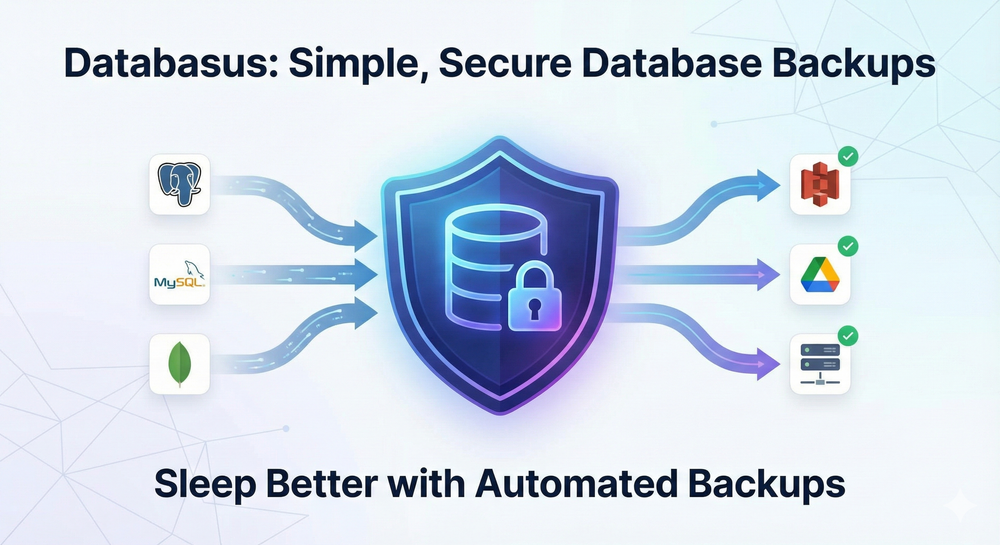
Tired of worrying about your database backups?
Have you ever had that tiny moment of panic when you realize you haven't checked your database backups in months? We’ve all been there. You set up a cron job, hope for the best, and just pray that when things go south, the files are actually there.
Well, I stumbled upon a tool that makes this whole process feel like a breeze. It’s called Databasus. 🚀
Free and open source tool to backup database across your clouds.
What exactly is Databasus?
If you haven't heard of it yet,Databasus is a free and open-source tool that you can self-host to manage your database backups. It used to be known as Postgresus, but it has grown so much that it now supports more than just PostgreSQL.
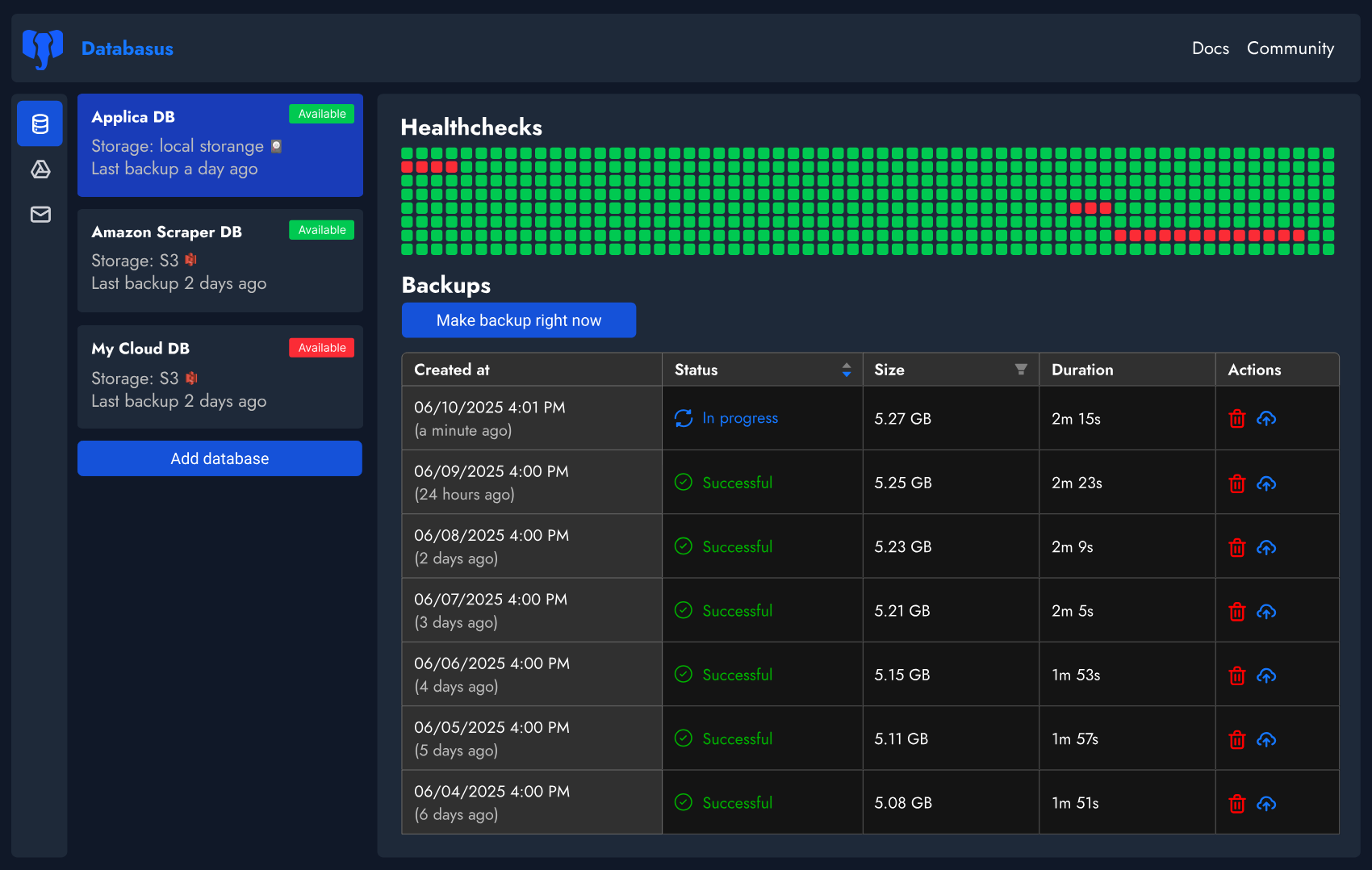
Think of it as a central dashboard where you can manage backups for PostgreSQL, MySQL, MariaDB, and MongoDB. Instead of wrestling with command-line tools or custom scripts, you get a beautiful web interface to handle everything. 🗞️
Why you should care about this tool?
You might be thinking, "I already have a script for this." But does your script send you a Telegram message when it fails? Or does it encrypt your files before sending them to the cloud?
Here is why Databasus is a game changer:
- Smart Compression: It can save you up to 8x the space. That’s huge if you are paying for cloud storage!
- AES-256-GCM Encryption: It follows a zero-trust model. Your backups are encrypted locally, so even if your S3 bucket gets leaked, your data is safe. 🔒

- Go Anywhere: You can send your backups to S3, Google Drive, Cloudflare R2, Dropbox, or even just a local folder on your spare laptop.
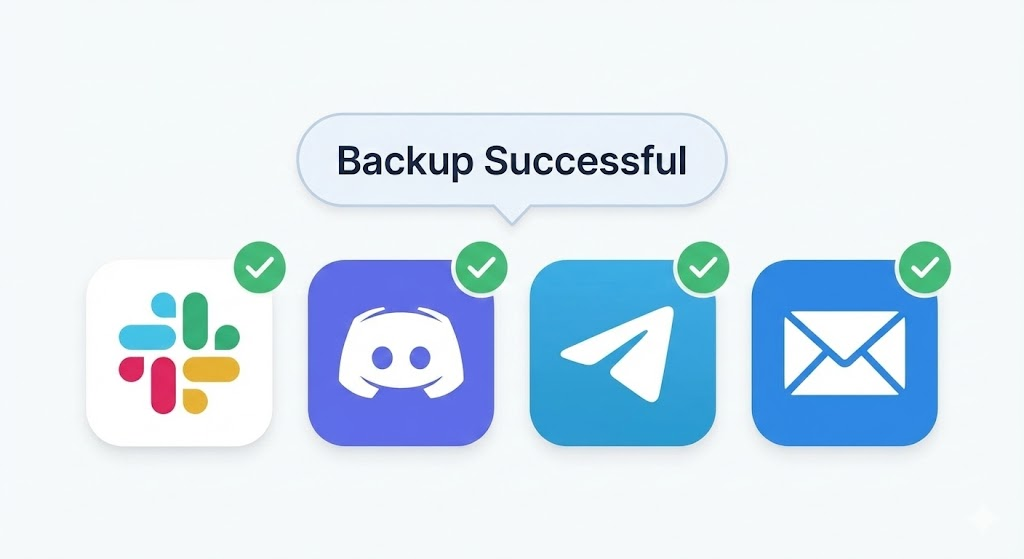
- Real-time Notifications: You get updates on Slack, Discord, or Email the second a backup is done. 🥳
Steps for setting up your backup server
The best part about Databasus is how easy it is to get running. You don't need to be a senior DevOps engineer to set this up.
Step 1 – Choose your installation method You can use a simple Docker command or their automated script. If you are on Linux, just run their one-line installer from the official repo and it handles Docker and startup configs for you.
Step 2 – Connect your database Open the dashboard (usually on port 4005), click "New Database," and put in your credentials. It works with local databases and cloud ones like AWS RDS or Google Cloud SQL.
Step 3 – Set your schedule You can choose to back up every hour, every day, or use a custom cron expression. I personally love setting mine for 4 AM when traffic is low. 🚀
What next right?
Once you have your backups running, you can actually sleep better. But Databasus doesn't stop there. If you are working in a team, you can use Workspaces to group different projects and give your teammates specific roles.
You can even check the Audit Logs to see who triggered a manual backup or changed the storage settings. It’s professional-grade stuff but simplified for everyone. 🥳
It's time to celebrate!
Setting up a reliable backup system used to be a chore, but tools like Databasus make it actually fun to manage your data. It’s open source, privacy-first, and gives you total control.

Wait..
As we all know, finding and testing these kinds of tools takes a lot of time and effort. If you want to support the project, go ahead and give them a star on GitHub! It really helps the developers know that their work is being used. 🚀
What are you using for your backups right now? Let me know in the comments if you are going to give this a try! 🥳
Subscribe to our newsletter Get the latest tech simplifications delivered right to your inbox. 🗞️
