Upscayl Makes AI Image Upscaling Simple and Free
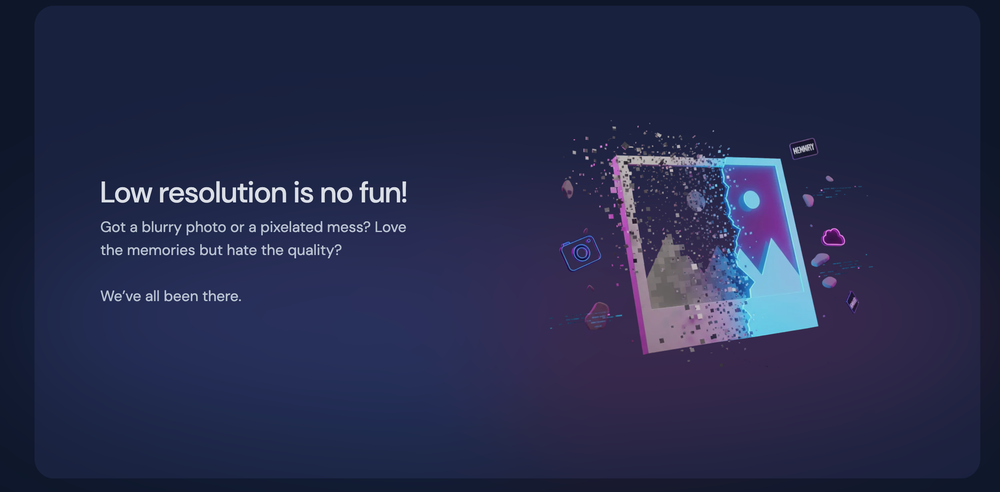
You know that feeling when you find an old low resolution photo and zooming in just turns it into a pixel mess? Upscayl is the tool that actually fixes that without making you pay a subscription. It is a free and open source image upscaler that uses modern AI models to enhance your images while keeping details crisp. GitHub
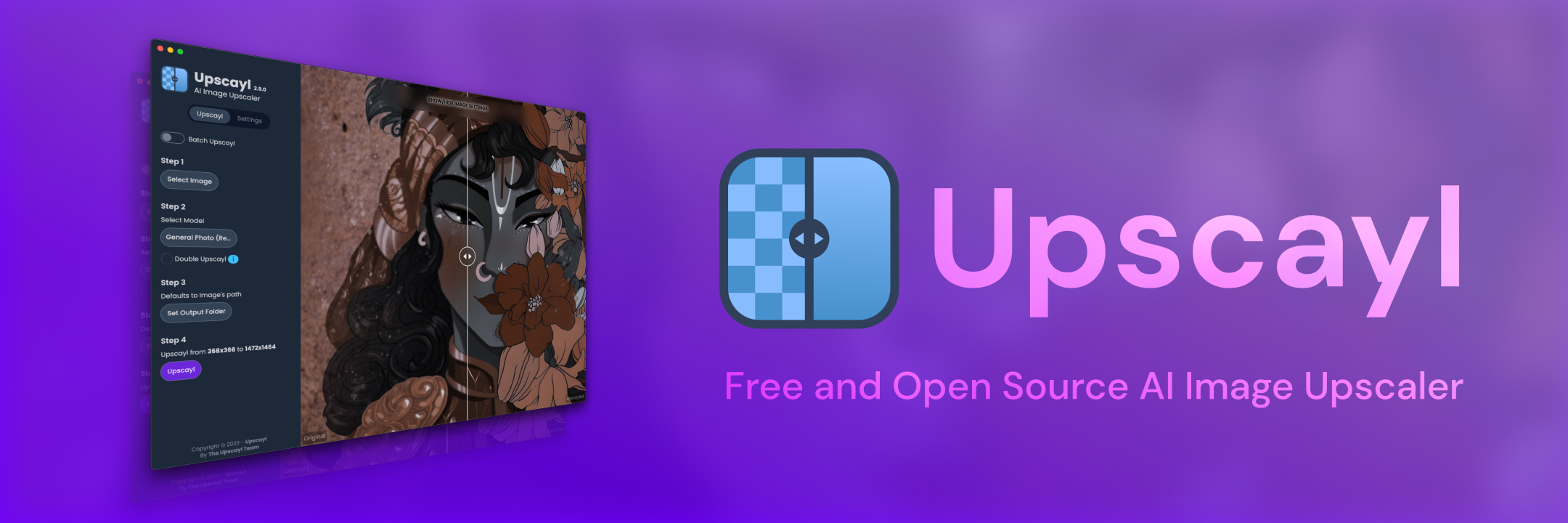
Upscayl started as a GitHub project and quickly became one of the most popular open source image enhancers out there, with tens of thousands of stars from people who just want better photos without proprietary software.
What Upscayl Does
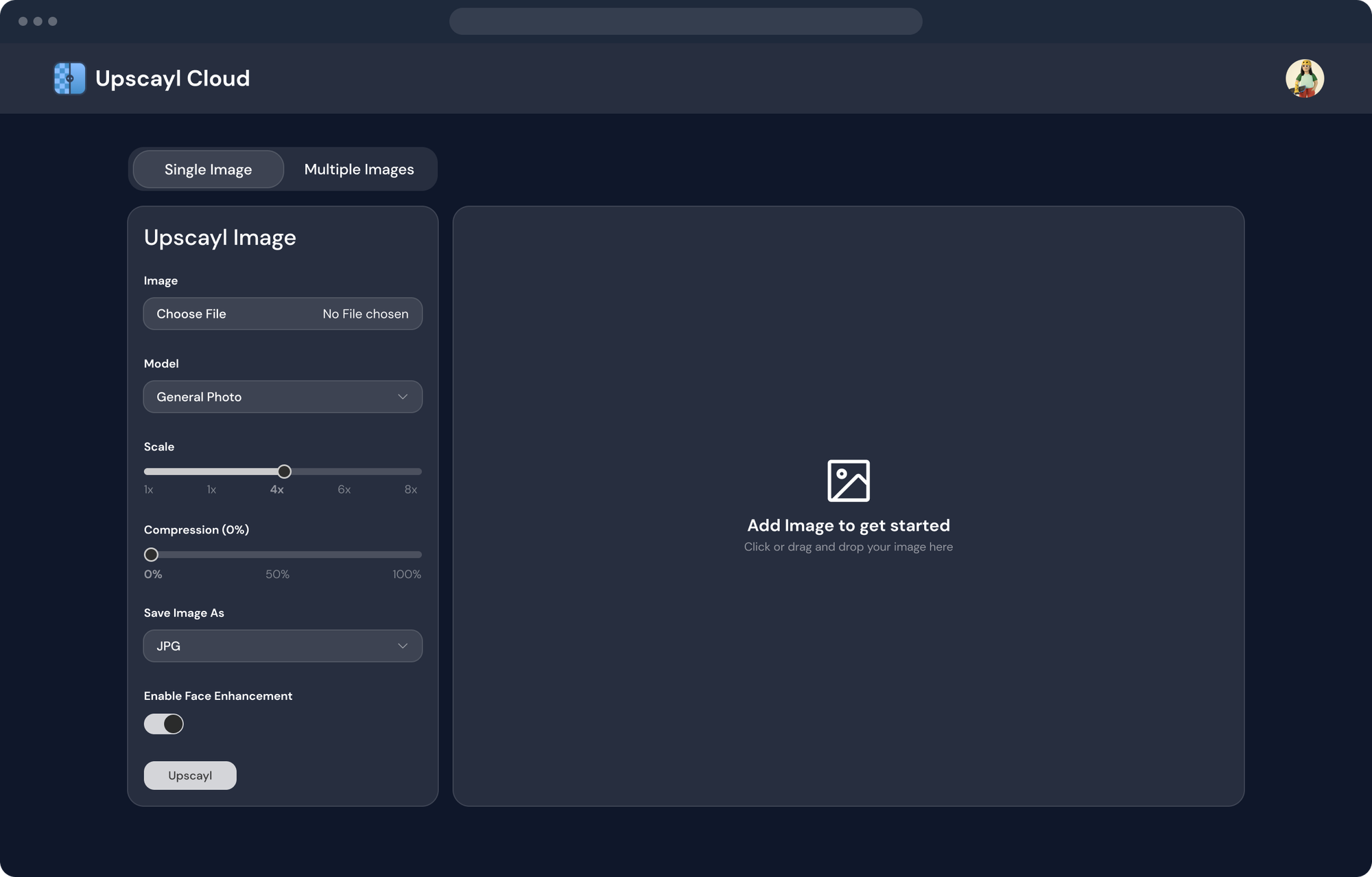
At its core, Upscayl lets you turn blurry or low resolution images into higher quality ones using AI. It works on Linux, macOS, and Windows, so you can use it whether you are on a laptop, desktop, or work computer.
Here are some things it helps with:
- Improve the quality of old or pixelated pictures
- Enlarge images up to several times their original size
- Run batch processing to upscale many files at once
- Keep more details and reduce blur compared to normal resizing methods
This makes it perfect if you are working with old photos, screenshots, art assets, or anything that needs to look sharper and cleaner without manual editing. Upscayl
Behind the Scenes
Upscayl uses open source neural networks powered by Real-ESRGAN and the ncnn framework to guess what the missing details could look like. It does not just stretch the pixels but predicts new ones that fit, so the output looks more natural than basic upscaling.
Keep in mind that for best performance you need a GPU with Vulkan support. Integrated graphics might work for small images, but a dedicated GPU will make the process faster.
The project is licensed under AGPL v3, so anyone can inspect, modify, or contribute to the code if you want to learn how it works or extend it. GitHub
Why I Like It
Here are the reasons this tool feels special:
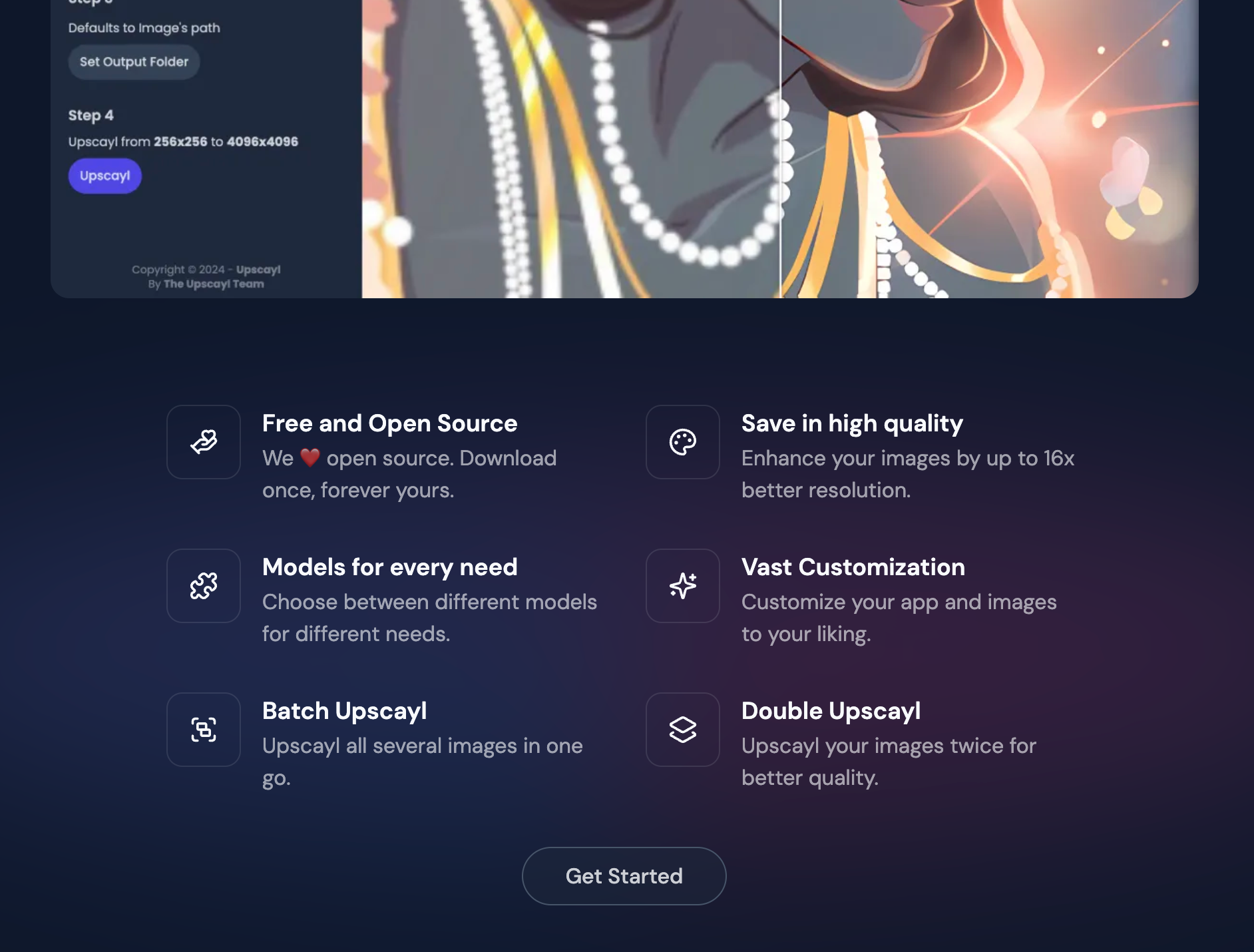
- No subscription or password wall to use it
- Runs locally without sending your photos to someone else
- Cross platform, so it works on Linux, Windows, and macOS
- Batch upscaling saves time when you have lots of images
- You can explore different AI models or even add new ones if you are ambitious Snapcraft
Compared to most commercial AI upscalers which lock you behind paywalls or cloud limits, Upscayl is refreshing because it keeps everything on your machine and stays free.
Some Things to Watch
Nothing is perfect. A few caveats to keep in mind:
- You will get much better results with a capable GPU
- Upscaled images are AI predictions, so sometimes details might look unusual
- The app depends on Vulkan, and on some systems you might need to tweak drivers to get it running
These issues won’t stop you from using it, but they are worth knowing before you dive in.
How to Get Started
Using Upscayl is easy:
- Go to the Upscayl website or GitHub page to download the build for your OS. GitHub
- Install and open the app.
- Drop your low resolution images into the window.
- Pick how much you want to scale things up (2x, 4x, etc).
- Let it run and enjoy sharper results.
That’s it. No cloud sign-ups, no weird credits, just clean image upscaling without friction.
Final Thoughts
Upscayl is one of those tools you think you might only use once or twice but end up keeping around. It turns old screenshots and photos into something closer to what you wanted the first time, and it does that without locking you into a paid product.
If you care about open source and want a practical way to enhance images offline, this is definitely worth a look. makeuseof.com