

Why I Finally Ditched .env Files (And You Should Too)
We’ve all been there.
You clone a repo, run npm install, and hit npm start. Immediate crash.
Error: process.env.DB_PASSWORD is undefinedYou sigh, open Slack, and DM your coworker: "Hey, can you send me the latest .env file?"
They paste a wall of text into the chat. You copy-paste it into a local file. Two weeks later, the app crashes again because someone added a new API key and forgot to tell you.
This "Grimy Cycle of Secret Management" is how 90% of us operate. It's insecure, brittle, and annoying.
I recently switched to Infisical, and honestly? I’m never going back to .env files. Here is why, and how you can do it too.
What is Infisical?
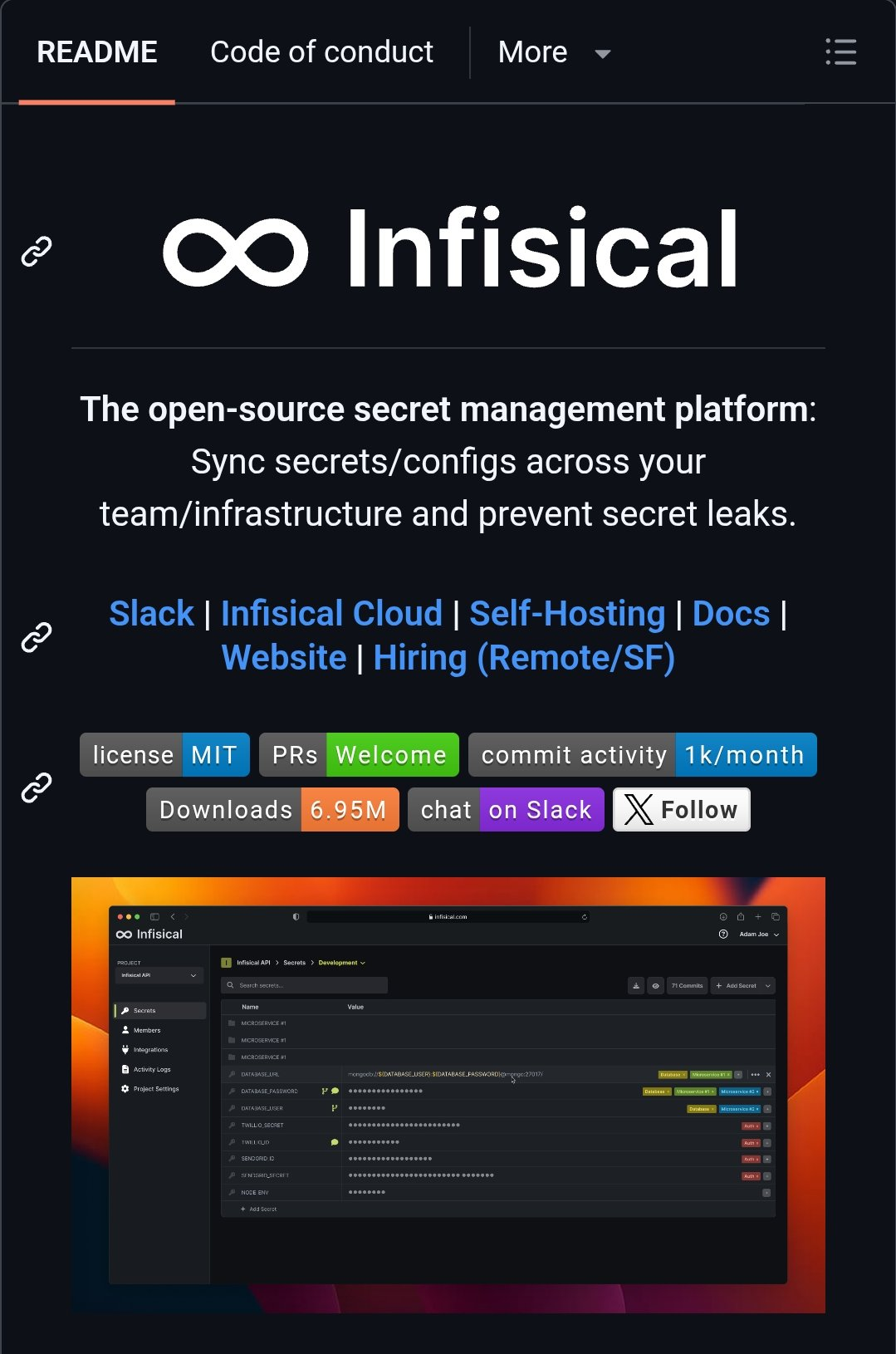
Think of Infisical as "GitHub for your secrets."
Just as Git manages your source code versioning, Infisical manages your environment variables, API keys, and certificates. It syncs them across your team and infrastructure automatically.
It’s open-source (huge plus), end-to-end encrypted, and feels like it was built by developers who actually code, not a committee of security auditors.
The "Aha!" Moment: How It Works
The magic isn't in the dashboard (though the dashboard is pretty slick); it's in how it integrates with your workflow. You stop creating .env files entirely.
Instead of your code looking for a local file, it pulls secrets securely at runtime.
1. The CLI Workflow (My Favorite)
This is the easiest way to start. You don't even need to change your code.
Step 1: Install the CLI and login.
Bash
brew install infisical/get-cli/infisical
infisical login
Step 2: Link your local folder to your project.
Bash
infisical init
Step 3: Run your app.
Instead of npm run dev, you run:
Bash
infisical run -- npm run dev
What just happened?
The infisical run command fetched the encrypted secrets for your specific environment (Dev/Staging/Prod) and injected them into the npm run dev process as environment variables. Your app thinks they are local env vars, but they never touch your disk.
2. The SDK Approach (For Production)
If you want more control, you can fetch secrets directly in your code. Here is a quick Node.js example I used recently:
JavaScript
import { InfisicalSDK } from '@infisical/sdk';

const client = new InfisicalSDK();

// Authenticate (usually via Machine Identity in prod)
await client.auth().universalAuth.login({
  clientId: "YOUR_CLIENT_ID",
  clientSecret: "YOUR_CLIENT_SECRET"
});

// Fetch a secret securely
const dbPass = await client.secrets().getSecret({
  secretName: "DB_PASSWORD",
  environment: "prod",
  projectId: "your-project-id"
});

console.log("Database connected!"); // Secret is used safely in memory
Why prefer Infisical over others?
Infisical hits that sweet spot: it’s secure enough for the security team but simple enough that developers won't try to bypass it.
The Best Parts
- Secret Versioning: Someone deleted a key by mistake? You can roll back to the previous version instantly. "Who changed the Stripe Key?" is now a question you can answer in seconds.
- Environment Syncing: You can push secrets from Infisical directly to Vercel, Netlify, or GitHub Actions. No more copy-pasting secrets into CI/CD settings panels.
- Leak Prevention: They have a pre-commit hook that scans your code to make sure you didn't accidentally hardcode a secret before you push to Git.
Final Thoughts
We spend so much time optimizing our code, linters, and CI pipelines, yet we manage our most sensitive data like we're passing notes in high school.
Give Infisical a shot. It takes about 10 minutes to set up a free account and link a project. Your future self (and your security team) will thank you.