
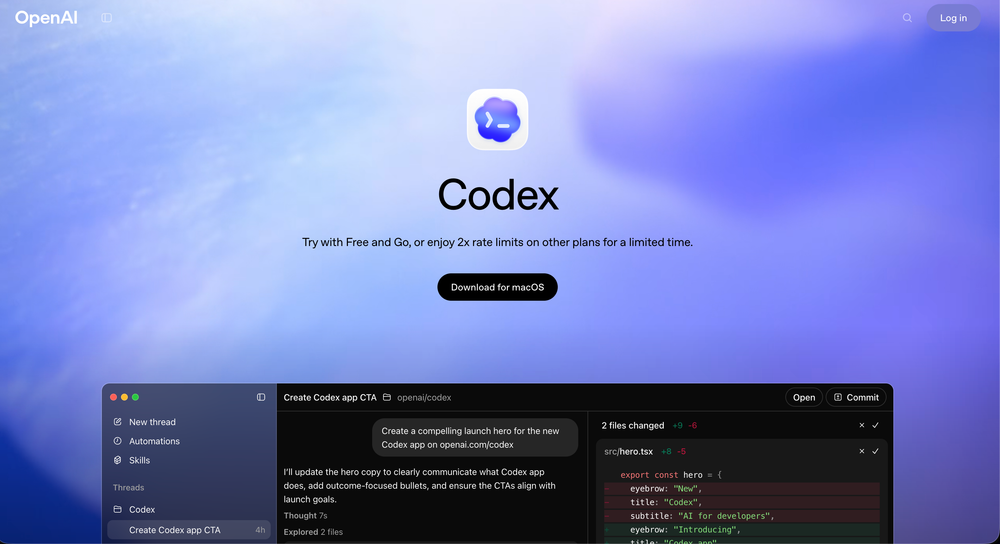
Get the OpenAI Codex App for Free! 🥳
Have you ever wished you could just clone yourself to handle the "boring" parts of coding? You’re in the middle of a complex feature, but you also need to update documentation, write unit tests, and refactor that one messy function from six months ago. Context switching is a productivity killer, and trying to manage it all solo is a recipe for burnout. 😱
This is an complete Agentic mode you will need and that is also for free. So you are getting an openAI Agentic mode for free.
Well, OpenAI just dropped the ultimate tool for Mac users. It’s called the Codex App, and it is about to turn your Mac Mini or MacBook into a full-blown engineering department. 🥳
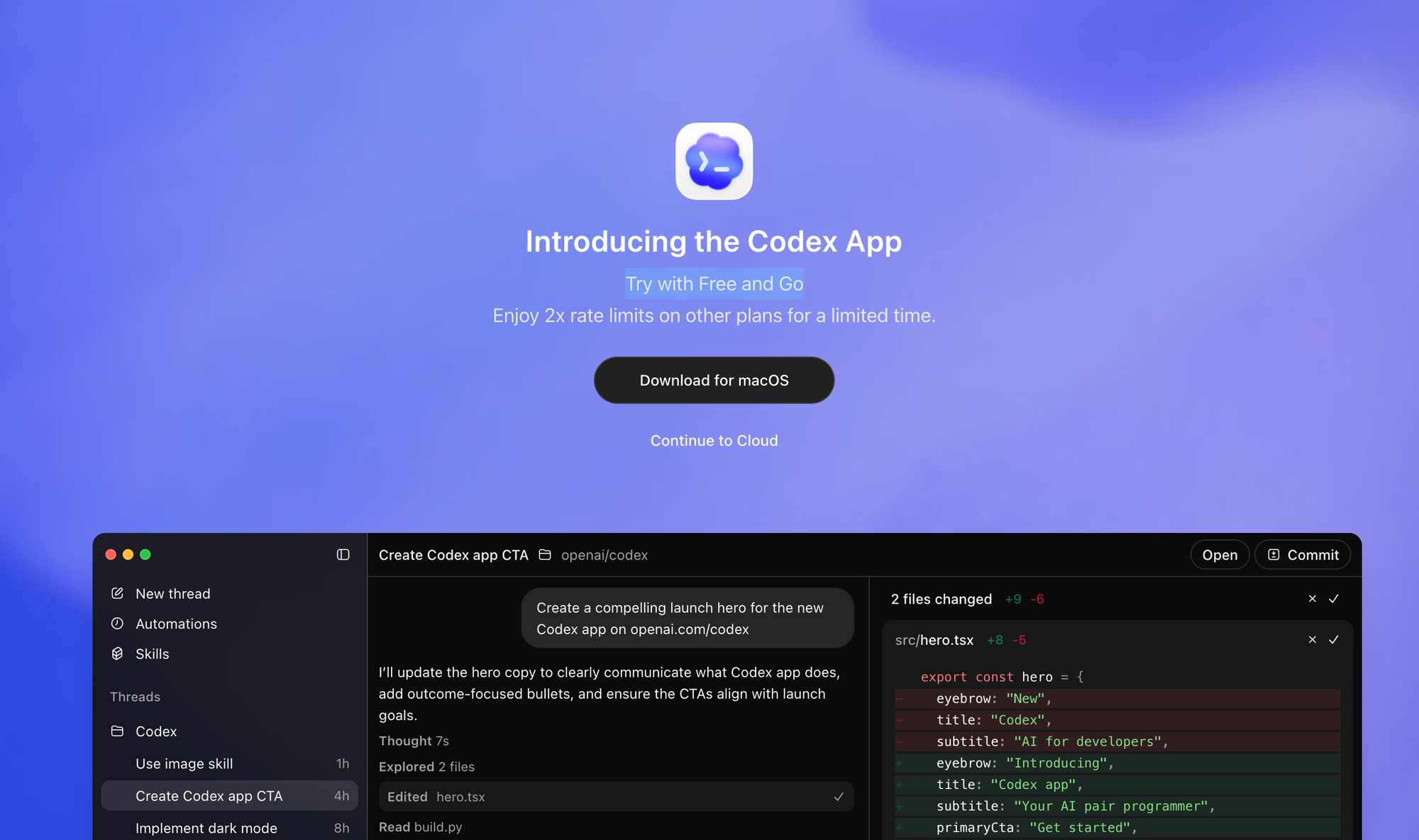
What exactly is the Codex App?
The Codex App isn't just another window for ChatGPT. It is a dedicated macOS application designed to run AI coding agents directly on your local projects. 🗞️
Think of it as a command center. Instead of one AI helping you write code line-by-line, you can launch multiple agents to handle entire tasks autonomously. It’s powered by the new GPT-5.2-Codex, a model built specifically for these multi-step, agentic workflows. 🚀
Why you should care about this?
If you're leading a team or building a solo project, this app changes your role from "coder" to "orchestrator."
Here is why the community is buzzing:
- Parallel Agents: You can have one agent fixing bugs in the frontend while another agent optimizes your backend database queries. At the same time. 🥳
- Git Worktrees Support: This is the game-changer. Each agent works in its own isolated worktree. They won't mess up your active code; you just review their work as a clean diff when they’re done! 🔄
- Long-Running Tasks: These agents don't timeout. You can assign a task that takes 20 minutes to complete, go grab a coffee, and come back to a finished pull request. ☕
- Built for macOS: It feels like a native app—snappy, integrated with your file system, and ready to go from your dock.
The "Free and Go" Promo! 🥳
OpenAI is making it incredibly easy to jump in right now. They want as many devs as possible testing this new workflow, so they’ve launched some massive perks:
| Plan Type | Current Perk |
| Free & Go Plans | Try with Free and Go: Access the app and basic agentic features for $0. |
| Plus & Pro | 2x Rate Limits: Get double the messages and agent hours for a limited time. |
| Team & Enterprise | Priority Parallelism: Run more agents simultaneously without slowing down. |
How to get it running?
It literally takes two minutes to set up. 🚀
- Download: Head tocodex.openai.comand download the macOS app.
- Login: Use your existing ChatGPT account (Free or Paid).
- Connect Repo: Select your project folder. Codex will index your files locally.
- Start Delegating: Type a task like "Refactor the auth controller to use the new API structure" and watch the agent go to work. 💻
Pro Tip: Start with a "Free and Go" project to get a feel for how the agents handle your specific coding style before scaling up! 🥳
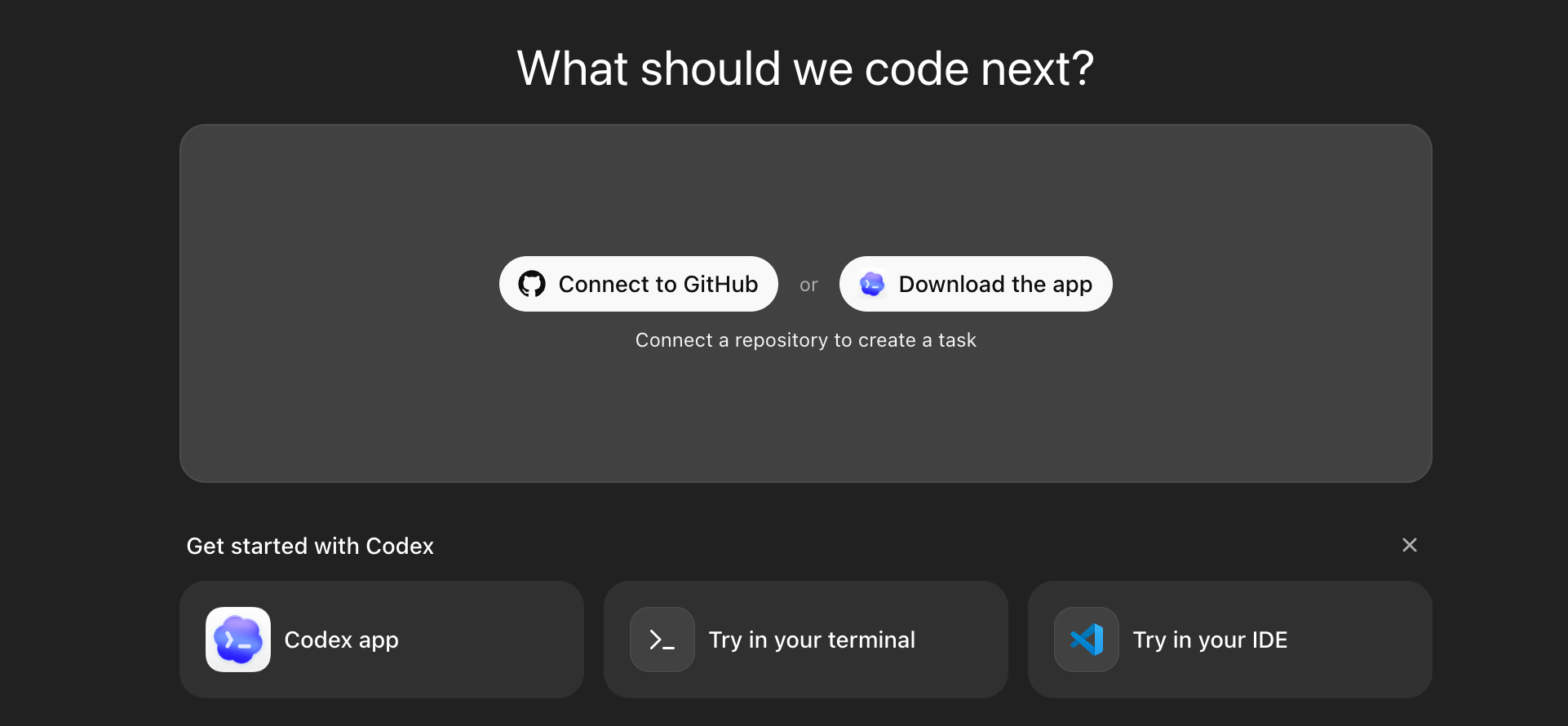
Ready to hit 2x speed?
The days of doing every single tedious task manually are over. With theCodex App, you focus on the architecture and the big ideas while your agent "team" handles the execution. 🚀
Check out the app today while the Free and Go access and 2x limits are still live!
What’s the first "boring" task you’re going to hand off to Codex? Let me know in the comments! 🥳
Wait..
Setting up a multi-agent workflow is a huge win for any dev. If you enjoyed this "simplified" breakdown, share it with your squad. Let’s double our output while the promo is still hot! 🗞️
Subscribe to our newsletter
Get the latest AI agent gems and dev tool simplifications delivered right to your inbox. 🗞️