Why hunk is the Ultimate Terminal Diff Viewer
You run git diff in your terminal to check your work before a commit, and you are immediately blasted with a massive, unreadable wall of red and green text. You scroll frantically trying to figure out what changed, give up, and just push the code, telling yourself, "I will just review it on the GitHub PR page." 😱
It's a broken workflow. Context switching from your IDE to a web browser just to read your own code is a massive waste of time.
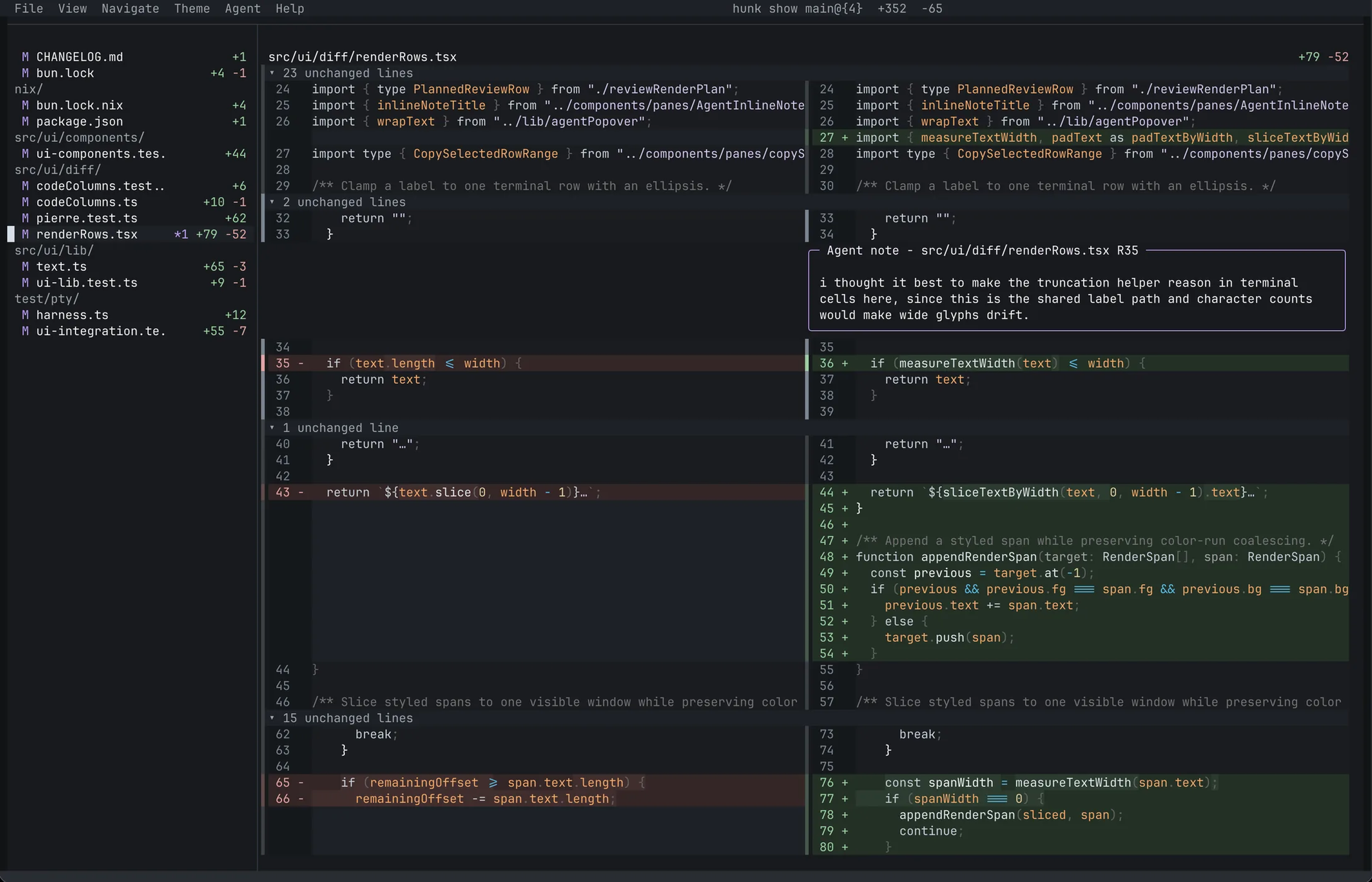
But what if you could get that clean, side-by-side GitHub review experience right inside your terminal?
Meet Hunk, the open-source diff viewer that is changing how developers review code especially if you are using AI agents! 🥳
What exactly is Hunk?
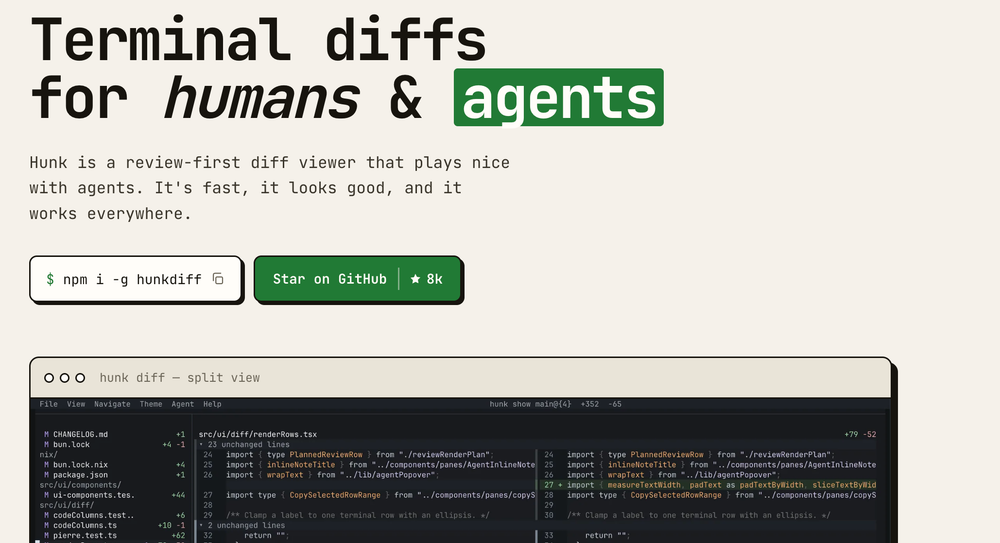
Hunk (developed by modem-dev) is a "review-first" terminal diff viewer built specifically for inspecting complex changesets. 🗞️
Instead of dumping raw diff text into your console, it opens up a beautiful, structured UI. It is written in TypeScript and built on top of OpenTUI and Pierre diffs, making it incredibly fast and responsive. 🚀
Why developers are ditching git diff for this?
There are other diff tools out there (like delta or difftastic), but Hunk is built around the modern reality of software engineering: we are reviewing AI-generated code.
Here is why Hunk is the ultimate upgrade to your terminal:
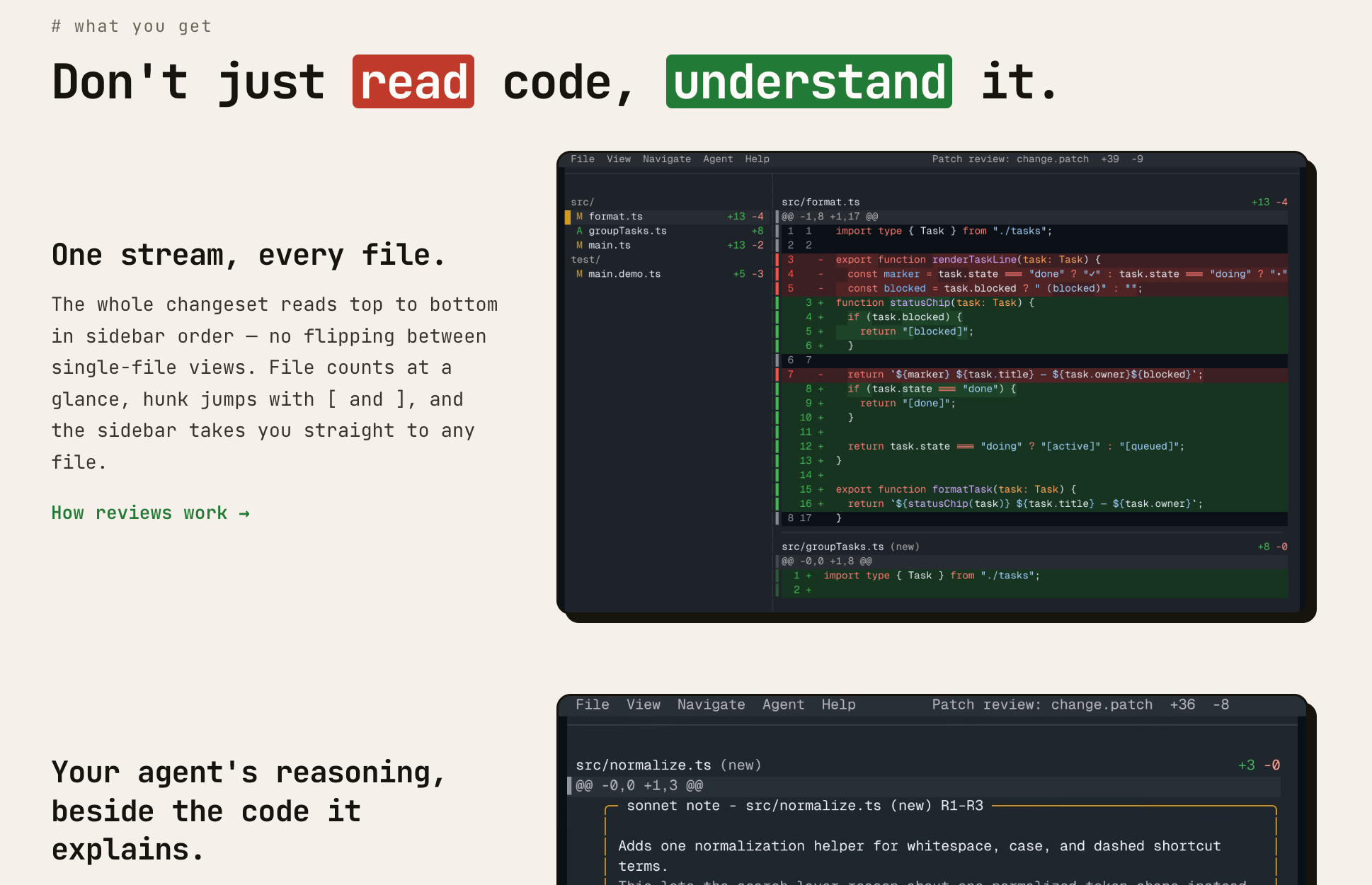
- The AI Agent Integration: This is the killer feature. 🤖 Hunk runs a local session that AI coding agents (like Claude or your custom scripts) can connect to. The agent can leave inline annotations and explanations right next to the code changes in your terminal, explaining why it wrote what it wrote!
- Sidebar Navigation: Forget endless scrolling. Hunk gives you a multi-file review stream with a sleek sidebar, allowing you to instantly jump between changed files using your keyboard or mouse.
- Responsive Layouts: It automatically switches between split (side-by-side) or stacked views depending on how wide your terminal window is. 💻
- Watch Mode: You can run
hunk diff --watch. As you edit files in your IDE or as your AI agent writes code, the Hunk UI automatically reloads the diff in real-time.
How to get it running?
Installing Hunk is incredibly easy. If you are on macOS, Linux, or Windows with Node.js 18+ installed, just run:
Bash
npm i -g hunkdiff
(Mac users can also use brew install hunk)
Once installed, it acts as a drop-in replacement for your normal git commands. Just type:
Bash
hunk diff
...and you will immediately see your working tree changes in the beautiful UI.
If you want it to be your default pager for all Git diffs, you can set it up with:
Bash
git config --global core.pager "hunk pager"
It even has first-class native support for modern version control systems like Jujutsu (jj) and Sapling (sl)! 🥳
Ready to upgrade your terminal?
Go install it, run your next diff, and let me know how much cleaner your workflow feels!
What is the most annoying thing about reviewing AI-generated code for you? Let me know in the comments, bro! 🥳
Wait..
If you found this FOSS breakdown helpful, share it with your dev squad. 🗞️
Subscribe to our newsletter
Get the latest developer tools, FOSS gems, and tech simplifications delivered right to your inbox. 🗞️