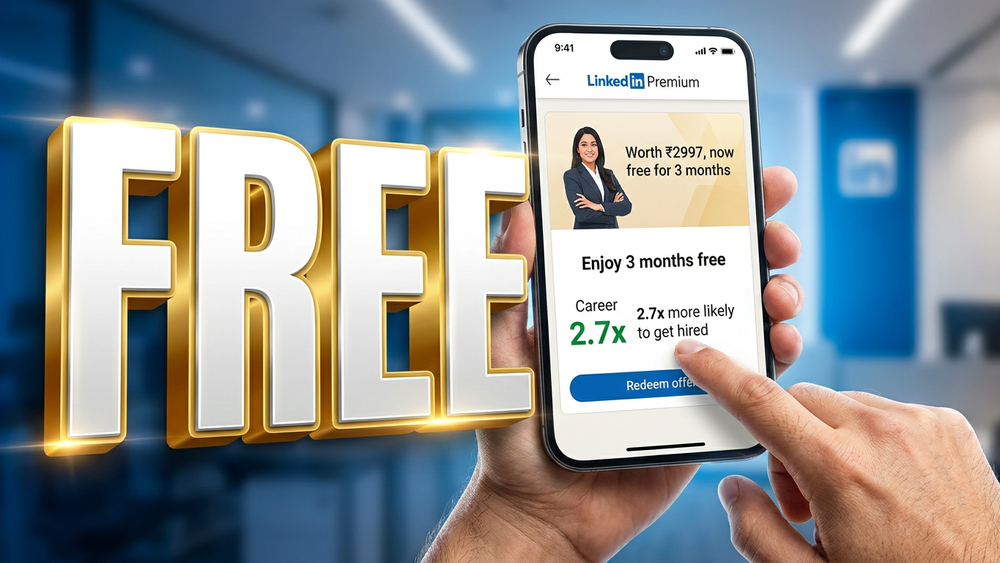
Get LinkedIn Premium for free
We all have been there. You have polished your resume, you are ready to slide into recruiter DMs, and just as you go to send that perfect InMail... boom. You hit the dreaded LinkedIn Premium paywall. 😱
Paying ₹3,000+ a month just to network is a tough pill to swallow, especially if you are actively looking for a job. But here is the way you can get a free 3-month Linkedin Premium subscription.
Forget the standard 1-month trials. A massive tech-telecom crossover is happening, and I’m going to show you exactly how to claim it step-by-step—and more importantly, how to ensure you don’t get charged a single rupee when it ends! 🥳
The Secret Stash: Airtel Thanks App
You probably use the Airtel Thanks app just to check your data balance or recharge your prepaid plan. But hidden inside their rewards section is an absolute goldmine. 🗞️
Airtel has quietly partnered with LinkedIn to offer their users a massive 3 months of LinkedIn Premium for free.
Here is exactly how to claim your golden badge right now:
- Step 1: Open the App: Fire up the Airtel Thanks app on your phone.
- Step 2: Find the Banner: Navigate to the "Airtel Thanks Benefits" section. Look for the banner that explicitly says "LinkedIn Premium for Free" and tap on it.
- Step 3: Claim & Redirect: Once you agree to the terms, it will redirect you directly to the LinkedIn redemption page. (Make sure you are already logged into your LinkedIn account on your default browser!) 🚀
The "UPI Cheat Code" for Auto-Pay 💻
Here is the most crucial part of this entire tutorial. To activate the trial, LinkedIn requires you to set up a payment method for an "Auto-Pay" mandate.
Do NOT use your credit card.
If you use a credit card, canceling the subscription later requires you to navigate through LinkedIn’s messy subscription settings. Instead, use the UPI Hack:
- Select UPI as your payment method.
- Enter your UPI ID (like your PhonePe, GPay, or Paytm ID).
- Open your UPI app and accept the mandate. It will deduct a standard ₹2 for authorization (this is normal and proves your account is active).
Why UPI? Because it completely removes your dependency on LinkedIn. You now have total control over the billing right from your phone! 📱
The Golden Badge is Yours!
Once the ₹2 authorization is complete, open your LinkedIn app. Right next to your name, you will see that beautiful golden Premium badge. You now have full access to InMails, premium insights, AI-powered coaching, and LinkedIn Learning for the next 90 days. 🥳
What is the first thing you are going to do with your new Premium account? Let me know in the comments! 👇
Wait..
Do not close this page yet! 😱 If you want this to be truly free, you need to cancel the auto-pay immediately so you don't get a surprise deduction three months from now. Open your UPI app (like PhonePe, GPay, paytm and etc.,), go to your "AutoPay Settings," find the LinkedIn mandate, and hit Cancel.
Your 3-month Premium access will still remain active, but they won't be able to charge you when it expires.
If this hack just saved you thousands of rupees, share it with your dev squad and friends who are job hunting. Let’s beat the system together! 🗞️
Subscribe to our newsletter
Get the latest career hacks, dev tools, and tech simplifications delivered right to your inbox. 🗞️